
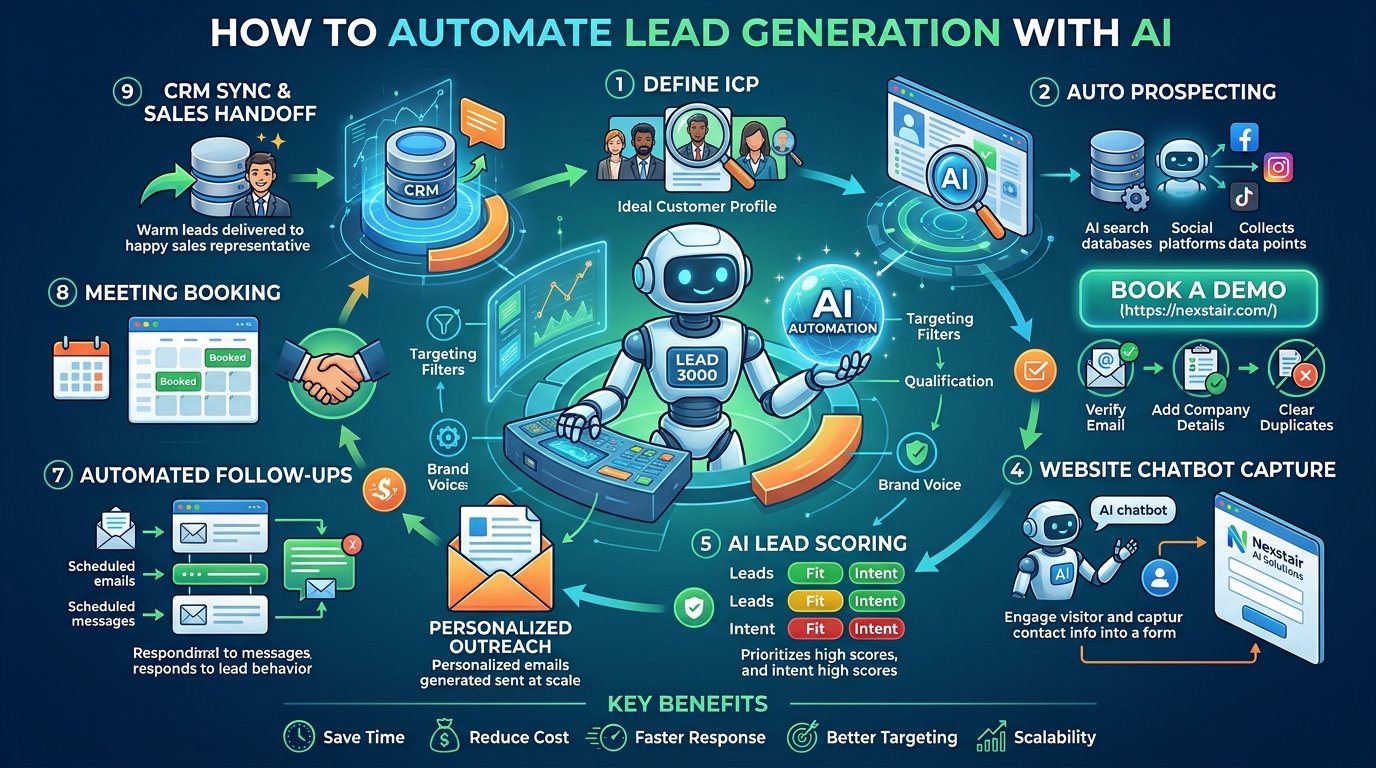
How to Automate Lead Generation With AI in 2027
Learn how to automate lead generation with AI, from finding prospects and scoring leads to follow-ups and chatbots. A practical guide with tools, steps, and mistakes to avoid.
Lead generation eats a huge chunk of the working week. You research prospects, copy details into a spreadsheet, write emails, chase replies, and then wonder why the pipeline still looks thin. Most of that work follows a pattern, and patterns are exactly what AI handles well.
This guide walks you through how to automate lead generation with AI, step by step. You will learn what can be automated, which tools fit each stage, how to set up a workflow, and where people trip up. Grab a coffee and let’s get into it.
Why Should You Automate Lead Generation?
You should automate lead generation because it saves time, cuts cost per lead, and helps you respond to prospects faster than a manual process can. Speed matters here. A person who fills in a form at 11 pm is far more likely to buy from the company that answers in two minutes than the one that replies three days later.
Here are the main benefits.
- Time savings. Research, data entry, and first-touch emails take hours each week. Automation gives those hours back to your team.
- Consistency. People get tired and forget follow-ups. A workflow does not.
- Better targeting. AI can review far more data points than a person can, which helps you focus on prospects who actually fit.
- Faster response. Instant replies keep interested visitors from drifting to a competitor.
- Scalability. You can double your outreach without doubling your headcount.
- Cleaner data. Automated systems log every interaction, so your CRM stays accurate.
Small teams benefit the most. When one person wears five hats, removing even a few repetitive tasks makes a visible difference.
How Do You Automate Lead Generation With AI Step by Step?
To automate lead generation with AI, define your ideal customer, pick tools for each funnel stage, connect them to your CRM, build your workflows, and then test and refine them with real results. Follow the sequence below and you will have a working system in a few weeks rather than a few months.
Step 1. How Do You Define Your Ideal Customer Profile?
Start with a clear picture of who you want. Write down the industry, company size, job titles, location, budget range, and the problems your product solves. Then look at your best existing customers and note what they have in common.
This step feels basic, but it decides how well everything else works. AI tools are only as sharp as the instructions you give them. A vague target produces a vague list.
A quick exercise helps. Pull your ten best customers and answer three questions about each one. Where did they come from? What problem pushed them to buy? What did they care about during the decision? Patterns will show up quickly, and those patterns become your filters.
Step 2. How Do You Find Prospects Automatically?
Use AI prospecting tools that build lead lists from your ideal customer profile. Platforms such as Apollo, ZoomInfo, Clay, and LinkedIn Sales Navigator let you filter by role, industry, tech stack, and company growth signals, and many now include AI features that suggest similar accounts or surface buying signals.
Buying signals deserve special attention. These are events that hint a company may need your solution, such as a new funding round, a fresh hire in a relevant department, a product launch, or a job post that mentions a problem you solve. AI can watch for these signals around the clock and alert you the moment one appears.
Step 3. How Do You Enrich and Clean Your Lead Data?
Lead enrichment means filling in missing details such as job title, company size, email address, and social profiles. AI enrichment tools do this automatically, and they can also flag outdated or duplicate records.
Clean data protects your sender reputation and saves your team from awkward mistakes. Nobody enjoys getting an email addressed to the wrong name or sent to a person who left the company a year ago. Run enrichment before outreach, and schedule regular clean-ups so your database stays healthy.
Step 4. How Do You Capture Leads on Your Website With AI?
Add an AI chatbot to your website so visitors can ask questions and share their details at any hour. A well-built chatbot answers common questions, recommends the right product or service, and collects names, emails, and needs in a natural conversation instead of a stiff form.
This is one of the highest-impact upgrades for most businesses, because your website already gets traffic. Many visitors leave without ever saying hello. A chatbot gives them an easy way to start a conversation, and it never sends them to a contact page that feels like a dead end.
If you want a chatbot that handles lead capture, answers questions in your brand voice, and passes warm leads to your team, take a look at the AI solutions at Nexstair. It is a practical place to start if you want automation running without building everything from scratch.
Step 5. How Do You Score and Qualify Leads With AI?
Lead scoring assigns each prospect a number based on how well they fit and how interested they seem. AI scoring models look at job title, company size, website behavior, email engagement, and past customer patterns, then rank leads from most to least likely to convert.
There are two kinds of scores worth tracking.
- Fit score. How closely does this person match your ideal customer?
- Intent score. How actively are they showing interest right now?
A lead with a high fit score and a high intent score should reach your sales team right away. A lead with strong fit but low intent belongs in a nurture sequence. A lead with weak fit can usually be set aside politely.
This keeps your team from wasting time on people who were never going to buy, and it keeps good prospects from sitting unnoticed.
Step 6. How Do You Automate Outreach and Follow-Ups?
Use AI to draft personalized emails and schedule follow-up sequences that react to how each person behaves. Tools like Instantly, Lemlist, Smartlead, and HubSpot can send multi-step sequences, pause them when someone replies, and adjust timing based on engagement.
Personalization is where AI helps most. Instead of one generic template, you can generate a short opening line that mentions something real about the prospect, such as a recent article they published or a change at their company. People can tell when a message was written for them, and reply rates reflect that.
Keep these habits in mind.
- Keep emails short. Three to five sentences is plenty for a first touch.
- Lead with value for the reader, not a pitch about you.
- Ask one clear question at the end.
- Space follow-ups a few days apart and stop after a sensible number of attempts.
- Always review AI drafts before they go out, at least until you trust the output.
Step 7. How Do You Book Meetings Automatically?
Connect a scheduling tool such as Calendly or a built-in calendar feature to your chatbot and email replies. When a lead says they are interested, the system offers open time slots and confirms the booking without back-and-forth emails.
This removes a surprising amount of friction. Every extra message between a lead and a booked call is a chance for the lead to lose interest. One click to book keeps the momentum going.
Step 8. How Do You Connect Everything to Your CRM?
Link every tool to a single CRM so each lead has one record with the full history. HubSpot, Salesforce, Pipedrive, and Zoho all offer integrations, and tools like Zapier or Make can connect apps that do not talk to each other directly.
A connected CRM gives your sales team context before they ever speak to a lead. They can see which pages the person visited, what the chatbot discussed, and which emails they opened. That context turns a cold call into a warm conversation.
Step 9. How Do You Measure and Improve Results?
Track a handful of numbers and review them every week or two. Watch lead volume, cost per lead, reply rate, qualification rate, meetings booked, and eventually closed deals. Compare each channel so you can put more effort into what works and trim what does not.
Run small experiments. Change one subject line, one chatbot greeting, or one form field at a time, and watch what happens. Small gains stack up, and over a few months they add up to a very different pipeline.
How Can an AI Chatbot Generate Leads for You?
An AI chatbot generates leads by starting conversations with website visitors, answering their questions, and collecting contact details while the interest is fresh. Unlike a static form, it adapts to what each person says.
Here is how a typical chat might go. A visitor lands on your pricing page and opens the chat. The bot asks what they are trying to solve, suggests the right plan, answers a question about integrations, and then offers to book a demo. Along the way it collects their name, email, and company size. Your team receives a qualified lead with the full conversation attached.
A good lead generation chatbot should:
- Respond instantly at any hour
- Speak in your brand voice
- Ask qualifying questions without feeling like an interrogation
- Hand over to a human when a conversation needs one
- Sync every lead straight to your CRM
If you are comparing options, you can see how this works in practice at Nexstair Technologies, where businesses can set up AI assistants that capture and qualify leads around the clock.
Ready to Put AI to Work on Your Lead Generation?
Automating lead generation does not mean replacing your team or losing the personal touch. It means handing the repetitive work to software so your people can focus on real conversations with real prospects. Start with a clear picture of your ideal customer, fix the stage where you lose the most leads, connect your tools to a CRM, and review the results regularly.
If you would like a head start, explore what Nexstair Technologies offers and see how AI can help you capture and qualify more leads without adding to your workload. Small steps taken consistently will do more for your pipeline than any single big push.
Frequently Asked Questions | How to Automate Lead Generation With AI
Can AI really generate leads on its own?
AI can find prospects, start conversations, qualify interest, and book meetings with very little human input. It works best alongside a person who sets the strategy, reviews the results, and handles the final conversation.
Is automated lead generation legal?
Yes, as long as you follow the rules for consent, data protection, and opt-outs in the regions where your prospects live. Always include an easy way to unsubscribe and avoid buying questionable contact lists.
Do small businesses need to automate lead generation?
Small businesses often gain the most, because automation gives a small team the reach of a larger one. Start with one or two tools and expand as you grow.
How is AI lead generation different from traditional automation?
Traditional automation follows fixed rules set in advance. AI learns from data, adapts its messages, and makes judgments such as which leads deserve attention first.
Recent Posts
Related Posts
How to Automate Lead Generation With AI in 2027
Learn how to automate lead generation with AI, from finding prospects and scoring leads to follow-ups and chatbots. A practical...
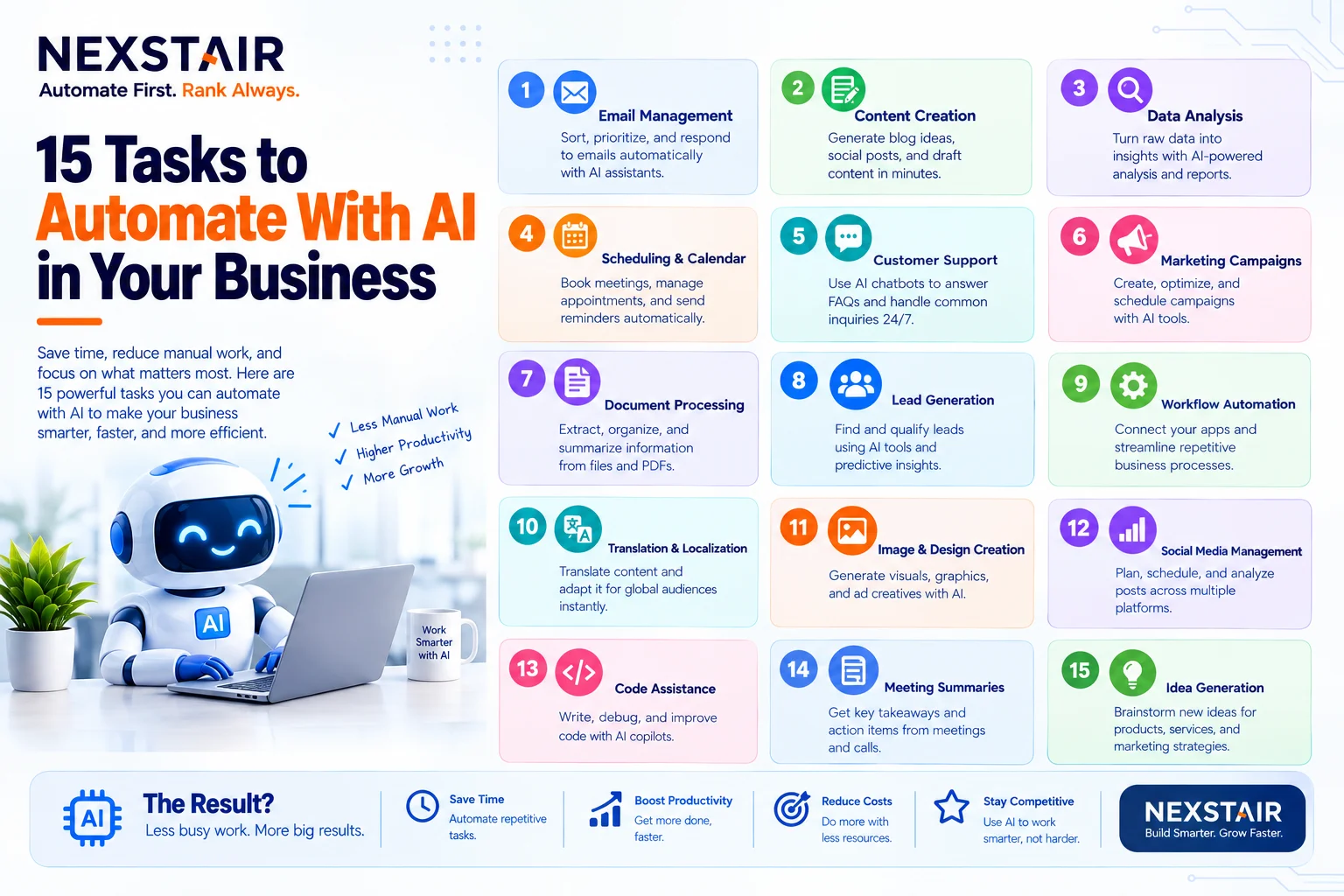
15 Tasks to Automate With AI in Your Business
Every business has work that nobody enjoys and everybody does. Copying leads from a form into a spreadsheet. Chasing an...

How to Create a Social Media Content Calendar for a Small Business in 7 Steps
A social media content calendar (also called a social media posting schedule) is a dated plan that lists every post...
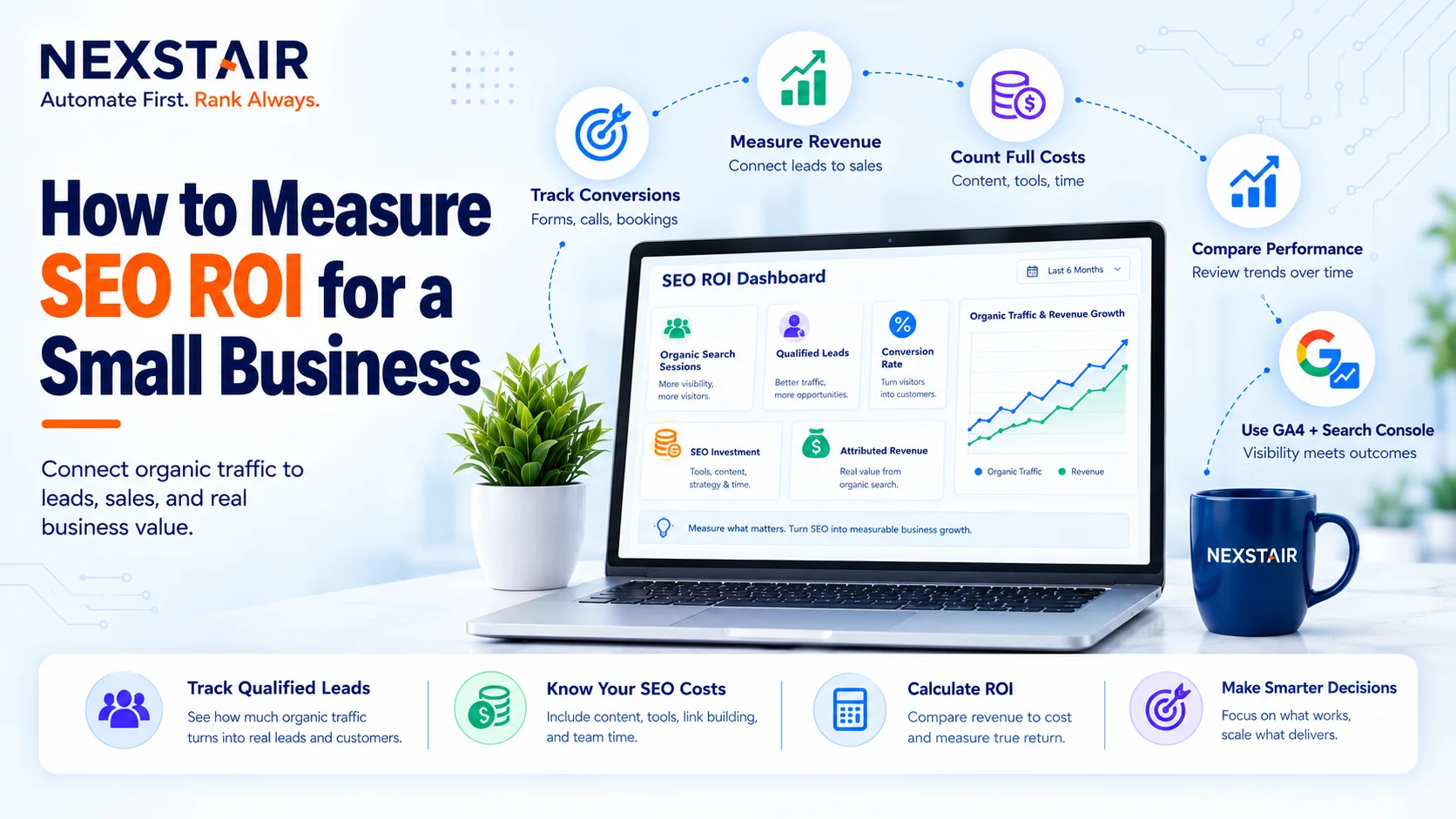
How to Measure SEO ROI for a Small Business
SEO ROI (search engine optimization return on investment) is the profit your organic search work returns, expressed as a percentage...

How Much Does a WordPress Website Cost in 2027?
If you search for the WordPress Website Cost, you will see answers ranging from $50 to $50,000. Nobody is lying...