
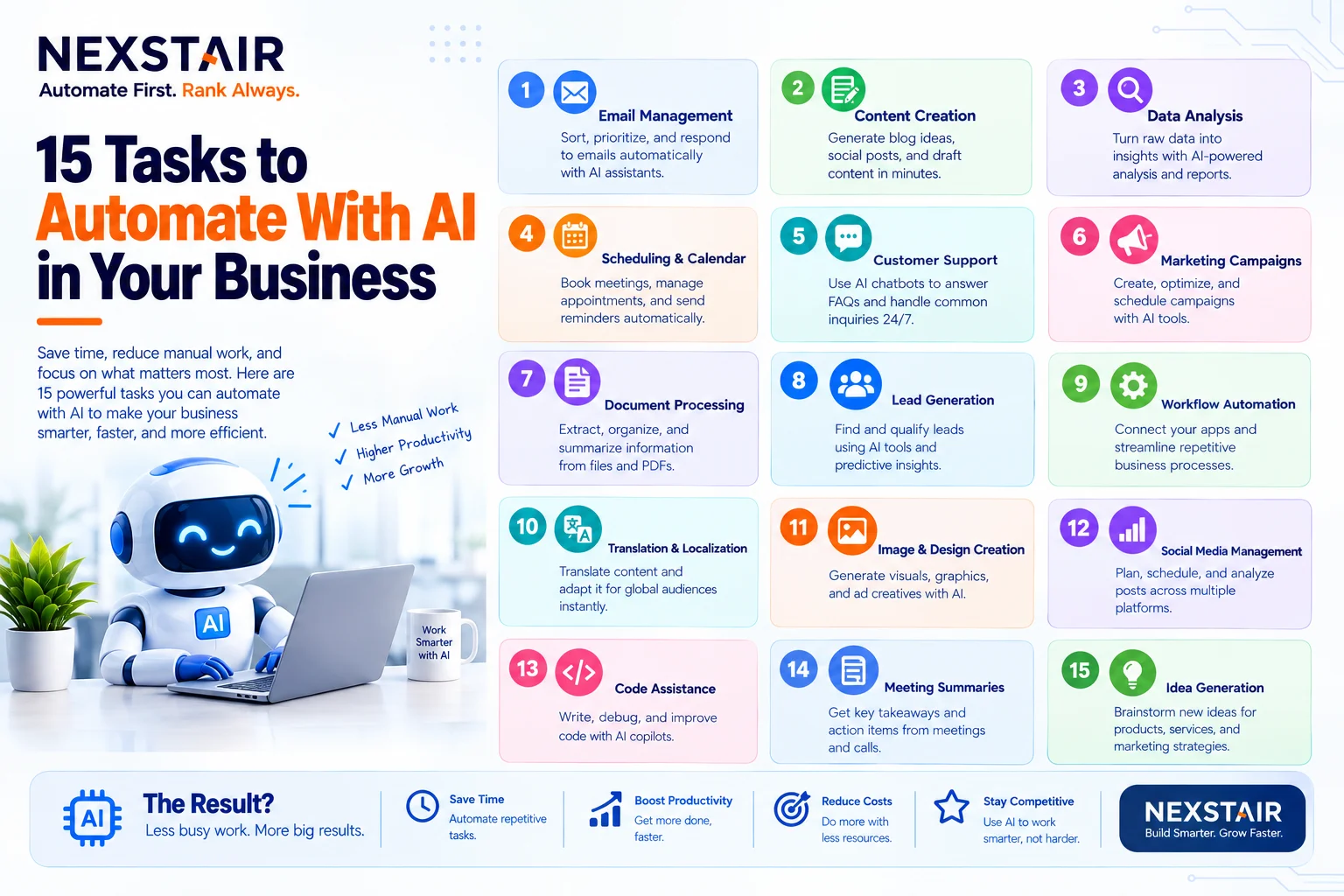
15 Tasks to Automate With AI in Your Business
Every business has work that nobody enjoys and everybody does. Copying leads from a form into a spreadsheet. Chasing an unpaid invoice. Answering the same five customer questions for the fortieth time. None of it is hard, and all of it eats hours that could go toward selling, building, or serving customers.
The good news is that the right tasks to automate with AI are usually the dullest ones. This guide lists 15 of them, grouped by department, with a plain explanation of how each works. You’ll also learn how to pick which task to automate first, which jobs to keep human, and the mistakes that make automation projects stall.
What Makes a Task Worth Automating?
Not every job deserves automation. Before you pick tasks to automate with AI, run each candidate through four quick checks:
- It repeats. If the task happens daily or weekly, automating it pays back fast. A once-a-year chore usually doesn’t.
- It follows a pattern. The steps are mostly the same each time, even if the content changes.
- It lives in software. The inputs and outputs already sit in tools like email, a CRM, a spreadsheet, or a store dashboard.
- Errors are costly or annoying. Copy-paste mistakes, missed follow-ups, and forgotten reminders are exactly what automation prevents.
A task that scores well on all four is a strong candidate. A task that needs deep judgment, empathy, or creativity usually isn’t, though AI can still help with a first draft.
Rules-Based Automation vs. AI
It helps to know the difference. Traditional workflow automation follows fixed rules: when a form is submitted, add a row to a sheet. AI adds the ability to read, classify, summarize, and decide when inputs vary. A rules-based flow can copy an email. An AI step can read that email, work out whether it’s a sales enquiry or a support issue, and route it to the right person. The best setups combine both.
Sales and Lead Management Tasks to Automate With AI
1. Lead Capture and CRM Entry
When a visitor fills out a contact form, a workflow can create the contact in your CRM, tag the source, and notify the right salesperson in seconds. No more leads sitting in an inbox over the weekend.
2. Lead Qualification
An AI step can read the details a lead submits (budget, timeline, company size, message) and score how well they fit. Hot leads go straight to a person, while lower-fit leads enter a nurture sequence.
3. Follow-Up Emails and Reminders
Speed matters in sales. Automation can send a personalized first reply immediately, schedule follow-ups at set intervals, and stop the sequence the moment the lead responds or books a call.
4. Appointment Booking
Instead of trading five emails to find a time, a chatbot or booking flow can offer open slots, confirm the booking, add it to calendars, and send reminders that cut no-shows.
5. Lead Research and Enrichment
Before outreach, someone usually looks up the company, role, and recent news. An AI agent can gather that background, fill in missing CRM fields, and draft a tailored opening line for a human to review and send.
Marketing Tasks to Automate With AI
6. Email Marketing Sequences
Welcome series, abandoned cart reminders, post-purchase check-ins, and re-engagement campaigns all run on triggers. Email automation sends the right message when a customer does something, and AI can help optimize subject lines and send times.
7. Social Media Monitoring
Instead of checking mentions all day, a workflow can watch for your brand name, flag negative or urgent comments, and route them to the right person with a suggested draft reply. Posting itself still benefits from a human voice.
8. Content Repurposing
One blog post can become a LinkedIn post, a short email, and several social captions. AI can produce first drafts of each format, which an editor then tightens and approves. Treat the output as a starting point, not a finished product.
Customer Support Tasks to Automate With AI
9. Answering Frequently Asked Questions
An AI chatbot trained on your own help content can handle common questions about shipping, pricing, hours, and returns at any hour. The key is a clear escape route: when a question gets complicated or a customer sounds frustrated, the bot hands off to a human with the conversation attached.
10. Ticket Sorting and Routing
Incoming support messages can be read, categorized, and prioritized automatically. Billing issues go to finance, bugs go to the product team, and urgent complaints jump the queue.
11. Review and Feedback Requests
Asking for reviews at the right moment, usually a few days after delivery, is easy to forget and easy to automate. A triggered message with a direct review link tends to lift the number of reviews a business collects.
Finance and Operations Tasks to Automate With AI
12. Invoice Reminders and Payment Tracking
A workflow can track unpaid invoices, send friendly reminders before and after the due date, and escalate to a person when a payment is seriously late. This steadies cash flow without awkward manual chasing.
13. Data Entry and Document Processing
AI can read invoices, receipts, forms, and emails, pull out key fields such as dates, totals, and names, and place them in your accounting or database tools. Always spot-check the output, especially early on.
14. Employee Onboarding and Internal Requests
When someone joins, a workflow can create accounts, send welcome documents, schedule introductory meetings, and notify IT and HR. The same approach works for routine requests like access, equipment, and time off.
Reporting Tasks to Automate With AI
15. Weekly and Monthly Reports
Pulling numbers from several tools into one report is slow and error-prone. An automated workflow can collect data from your CRM, ads, and analytics, build a summary, and email it to the team as a PDF every Monday morning. An AI step can add a short plain-language explanation of what changed.
Quick Reference: Tasks, Tools, and Time Saved
| Task | What triggers it | What the automation does | Human involvement |
|---|---|---|---|
| Lead capture | Form submission | Creates CRM record, alerts sales | Review leads |
| Lead qualification | New lead | Scores and routes | Handle high-fit leads |
| Follow-up emails | New lead or stage change | Sends timed messages | Reply when lead engages |
| Appointment booking | Chat or link click | Offers slots, confirms, reminds | Attend the meeting |
| Email sequences | Customer action | Sends targeted messages | Write and approve content |
| FAQ chatbot | Customer question | Answers or escalates | Handle complex cases |
| Review requests | Order delivered | Sends review link | Respond to reviews |
| Invoice reminders | Due date | Sends reminders, escalates | Resolve disputes |
| Weekly reports | Schedule | Collects data, builds summary | Interpret and decide |
Tasks You Should Not Fully Automate
Part of choosing wisely is knowing what to leave alone. Keep a human in charge of:
- Sensitive customer conversations, such as complaints, cancellations, or anything emotional
- Final approval of legal, financial, or medical content
- Brand voice and strategy decisions
- Hiring and performance decisions
- Anything where a mistake would seriously harm a customer
A good rule is to let AI draft, sort, and suggest, then let a person approve anything high stakes.
How to Choose Your First Task to Automate
Starting small is the surest path to results. Follow these steps:
- List your repetitive tasks. Ask each team member to write down chores they repeat weekly.
- Estimate the cost. Multiply hours per week by an hourly rate to see what each task really costs.
- Score for effort and impact. Choose a task that is high in time saved and low in complexity.
- Map the steps. Write down the trigger, each action, and the result before touching any tool.
- Build, test, and watch. Run the workflow in a test mode, check edge cases, and monitor it closely for the first few weeks.
- Expand. Once the first workflow runs smoothly, add the next one.
Lead capture, follow-up emails, and review requests are popular first projects because they’re simple, visible, and tied to revenue.
Tools Commonly Used for Automation
Several platforms connect apps and add AI steps without heavy coding. Zapier is known for ease of use and a large app catalog, Make for visual branching logic, and n8n for technical flexibility and self-hosting. Which one fits depends on your team’s skills, workflow complexity, and volume. Many businesses mix a no-code platform with AI models and chatbot tools, connected through APIs and webhooks.
If you’d rather not build everything yourself, Nexstair’s AI automation team designs and deploys workflows, chatbots, and AI agents for businesses, usually starting with a discovery review of your current processes to find the highest-impact tasks to automate with AI first. For example, the company reports that one e-commerce client cut around 22 hours of manual work per week and increased review collection by 340 percent after automating order and review-request flows. Results vary by business, but the pattern is common: small, repetitive jobs add up to big time savings.
Common Mistakes When Automating With AI
- Automating a broken process. If the manual process is confusing, automation will only make the confusion faster. Fix the process first.
- Trying to automate everything at once. Big-bang projects stall. Start with one workflow.
- No human fallback. Every chatbot and agent needs a way to reach a person.
- Skipping testing. Edge cases such as blank fields, duplicates, and unusual requests break untested workflows.
- Ignoring data quality. AI is only as reliable as the information it’s given.
- Forgetting privacy. Be careful with customer data, follow applicable regulations, and understand where your tools store and process information.
- Never reviewing results. Check workflows regularly and update them as your business changes.
How to Measure Whether Automation Is Working
Pick a few clear metrics before you launch:
- Hours saved per week on the automated task
- Response time to leads and customers
- Error rate compared with the manual process
- Conversion or completion rate, such as leads booked or invoices paid on time
- Cost per task before and after
Compare these numbers after 30 and 90 days. If a workflow isn’t moving them, adjust it or retire it.
Frequently Asked Questions
What are the best tasks to automate with AI?
The best tasks to automate with AI are repetitive, rules-based jobs that live in software, such as lead capture, follow-up emails, appointment booking, review requests, invoice reminders, and weekly reporting. They save time quickly and carry low risk when a human reviews the important outputs.
Can small businesses afford to automate tasks with AI?
Yes, many automations can start with low-cost or free tiers of no-code tools, and a single well-chosen workflow often pays for itself in saved hours. Start with one task and expand once you see results.
Will AI automation replace my employees?
In most small businesses, automation takes over repetitive chores so staff can spend time on customer relationships, creative work, and decisions. Tasks change more than jobs disappear, though it is wise to be open with your team about what is being automated and why.
What is the difference between automation and AI agents?
Standard automation follows fixed rules, while AI agents can reason through variable inputs, research, and adapt within limits you set. Many businesses use both: rules for predictable steps and an AI agent for work that varies.
How long does it take to set up an automated workflow?
A simple single workflow can often be built and tested in one to two weeks, while multi-workflow systems typically take several weeks. Timelines depend on how many tools are connected and how complex the logic is.
How do I know which tasks to automate first?
Start with tasks that repeat often, follow a clear pattern, and cost the most time, then choose the one that is easiest to build. Lead follow-up and review requests are common starting points.
The Bottom Line
You don’t need a futuristic overhaul to benefit from AI. Most of the value comes from quietly removing the repetitive work that slows your team down. Pick one task from the list above, map how it works today, automate it, measure the result, and move on to the next. Start with the tasks to automate with AI that cost you the most time and carry the least risk, and let the savings fund the next step.
Recent Posts
Related Posts
15 Tasks to Automate With AI in Your Business
Every business has work that nobody enjoys and everybody does. Copying leads from a form into a spreadsheet. Chasing an...

How to Create a Social Media Content Calendar for a Small Business in 7 Steps
A social media content calendar (also called a social media posting schedule) is a dated plan that lists every post...
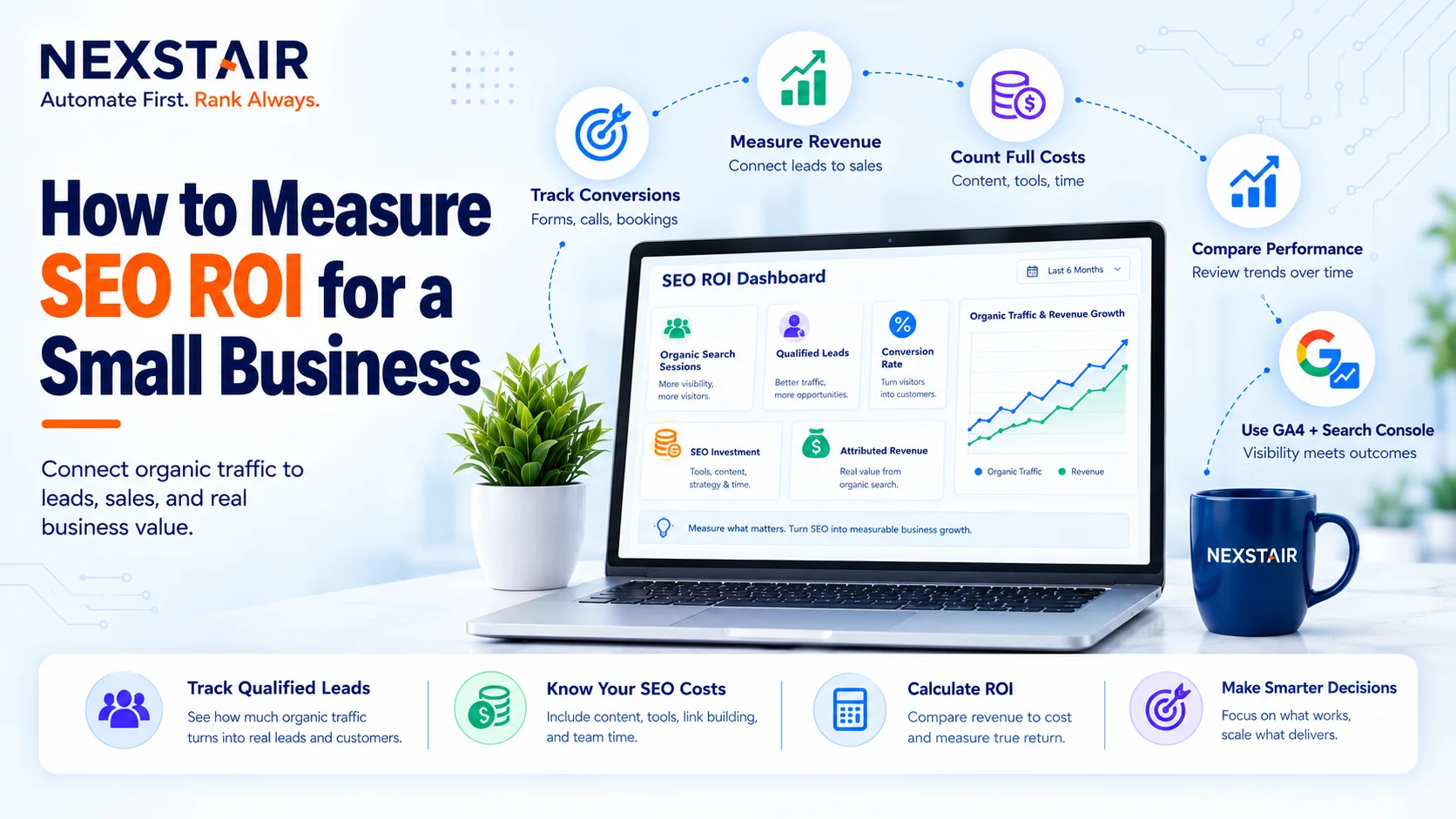
How to Measure SEO ROI for a Small Business
SEO ROI (search engine optimization return on investment) is the profit your organic search work returns, expressed as a percentage...

How Much Does a WordPress Website Cost in 2027?
If you search for the WordPress Website Cost, you will see answers ranging from $50 to $50,000. Nobody is lying...
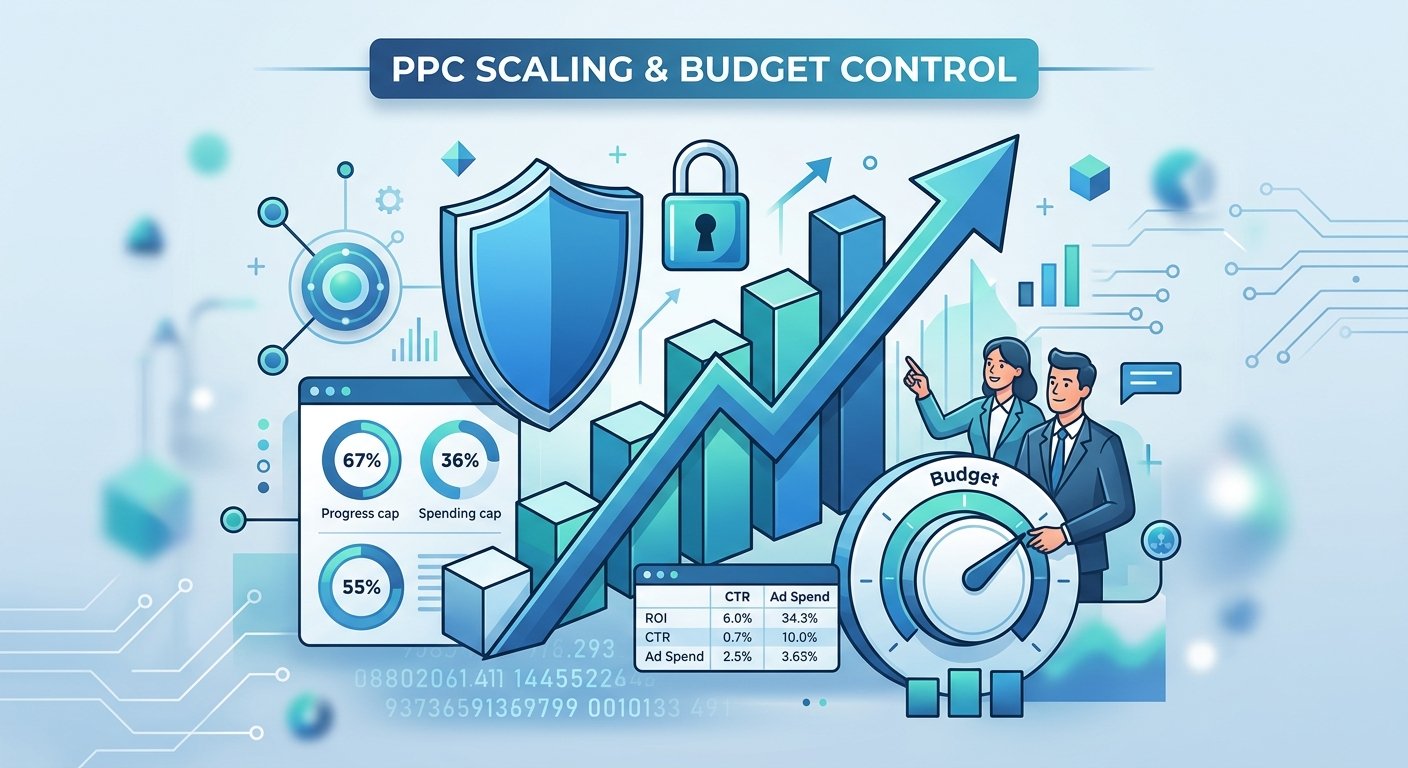
Scale Your PPC Campaign Without Losing Budget
Scale your PPC campaign presents one of the most persistent dilemmas in digital marketing. When budgets increase, ad spend can...