

How to Create a Social Media Content Calendar for a Small Business in 7 Steps
A social media content calendar (also called a social media posting schedule) is a dated plan that lists every post a business will publish, with the platform, format, caption, link, owner, and status for each one. It replaces daily guessing with one planning session a month.
The numbers stay modest. Most small teams need two or three platforms, three to five posts per week on each, and one batching session a month. A Google Sheets file holds the plan, while Meta Business Suite, Buffer, Hootsuite, and CoSchedule publish the posts on time.
Platform choice depends on reach. Pew Research Center’s 2025 survey found that 84% of US adults use YouTube and 71% use Facebook, so those two often earn a slot first. Your calendar then decides what each one posts and when.
This guide covers the eight fields every calendar needs, seven build steps, a sample week, six calendar tools, and the way AI search (Google AI Overviews, ChatGPT, and Perplexity) picks up consistent posts. Nine FAQs close it out. For the thinking behind the schedule, read our social media strategy for small business guide.
What a social media content calendar includes
Every row holds one post, and eight fields cover nearly every small business:
- Date: the day and hour the post goes live
- Platform: Facebook, Instagram, LinkedIn, YouTube, or TikTok
- Pillar: the content theme the post serves
- Caption: the copy and hashtags
- Visual: the image, video, or file name
- Link: the page or call to action
- Owner: the person who writes and approves it
- Status: drafted, scheduled, or published
Those fields mean little without a goal behind each post, so the build starts there.
How to build a social media content calendar in 7 steps
Step 1: Set one goal with a number
Goals come first because every post needs a job. Pick one outcome you can count, such as 30 booked appointments, 150 online orders, or 500 email signups. “More awareness” gives the calendar nothing to measure.
Step 2: Choose two or three platforms
Platforms follow your buyers. Write down their age range, region, and the app they open first. Instagram reaches 50% of US adults and TikTok 37%, and both skew under 30. Facebook suits local services and community groups, while LinkedIn suits B2B sales and hiring. Two or three beat five thin ones.
Step 3: Define three content pillars
Pillars keep posts varied. Education, product proof, and customer stories cover most small business feeds. A split of 50, 30, and 20 percent is a sensible start, and a month of results will show how to shift it. Layer seasonal hooks on top, such as back-to-school or Black Friday.
Step 4: Fix a posting rhythm
Rhythm matters more than volume. Plan about four posts weekly on each platform and schedule them when buyers are awake: morning, lunch hour, or late afternoon. Leave two open slots a week for timely offers, and reserve 15 minutes a day for replies.
Step 5: Pick a calendar tool
Start in Google Sheets with the eight fields as columns. Move to a scheduler once you’re copying captions between apps more than once a week. Prices and options appear in the tools section below.
Step 6: Batch and fill the calendar
Batching saves hours. Film clips in two sessions, write every caption in one sitting, and drop each post into its row. Write captions as direct answers, add one number, and stay under 80 words. Add a plain-language video title and a transcript too, since AI systems read text, not footage.
Step 7: Review results every month
Track leads, sales, and cost per lead before follower counts. Add UTM tags to every link so Google Analytics 4 shows which post drove a visit. Retire formats that earned no saves or comments, and repeat the ones that did. A sample week shows what a finished plan looks like.
A sample week for a local service business
Sample weeks work best as a grid. This one uses three platforms and three pillars:
| Day | Platform | Pillar | Post |
|---|---|---|---|
| Monday | Education | Tip that answers one customer question | |
| Tuesday | Product proof | Reel of a finished job | |
| Wednesday | Education | Short article with one statistic | |
| Thursday | Customer story | Review beside a photo of the result | |
| Friday | Product proof | Before-and-after carousel | |
| Weekend | Any | Open slot | Timely offer or local event |
Copy the grid into Google Sheets and add the remaining fields as columns. Then a tool can publish each row.
Which tools run a social media content calendar best
Six tools cover most small business needs:
- Google Sheets: free, flexible, and the easiest place to draft a first plan
- Meta Business Suite: free scheduling for Facebook and Instagram posts
- Buffer: simple multi-platform scheduling, with basic analytics
- Hootsuite: scheduling, content curation, and team collaboration, at higher premium prices
- Sprout Social: social listening and reporting, aimed at larger teams
- CoSchedule: one calendar for blog, email, and social posts
Scheduling software usually adds $6 to $50 a month for solo owners, so test one platform before you commit. Whichever tool you pick, the calendar also shapes how AI search sees your brand.
How a calendar supports AIO, AEO, and GEO
AI search changes what a post is worth. SparkToro’s early 2026 data shows about 68% of Google searches end without a click, so a post quoted inside an answer earns attention a blue link no longer delivers. Three terms describe the job:
- AIO (AI Overviews): Google’s summary box above the results, where YouTube and Reddit supply most social citations
- AEO (answer engine optimization): formatting one passage to answer one question
- GEO (generative engine optimization): earning brand mentions across the sources ChatGPT, Perplexity, and Gemini read
Your calendar turns these into habits. Schedule one question-led post a week, publish one long video per topic with chapters and a transcript, and keep your business name, services, and bio identical on every profile. Citations fade by roughly 43% within a month, so refresh your best posts monthly.
Frequently asked questions
What is a social media content calendar?
A social media content calendar is a dated schedule of planned posts, with the platform, format, caption, and status listed for each one. Small businesses use it to plan a month at a time and see which posts earned leads.
Does a small business really need a content calendar?
Yes, once you post more than once a week. A calendar prevents gaps and duplicate posts, and it ties each post to a goal. Without one, you can’t tell which posts produced leads.
How often should a small business post on social media?
Three posts a week per platform is a safe start, and five is a practical ceiling for a small team. Consistency beats volume, so raise the number only if you can keep it up for three months.
Which platforms should a small business plan for first?
Facebook, Instagram, and LinkedIn cover most small businesses, and YouTube suits how-to topics. Pick two or three: Facebook for local services, Instagram for food, beauty, and home goods, LinkedIn for B2B sales and hiring.
How far ahead should I plan the calendar?
Plan one month at a time. A monthly view is detailed enough for captions and visuals, and short enough to adjust once results arrive. Keep holidays and sales for the next quarter in a separate list.
Is a spreadsheet or a scheduling tool better?
A spreadsheet wins for planning, and a scheduler wins for publishing. Google Sheets costs nothing and bends to any layout. Schedulers push posts live automatically and report results, so most owners add one once manual posting eats too much time.
Should I post the same content on every platform?
No, reshape each idea for the platform. Cut a short reel for Instagram and TikTok, a long video for YouTube, and a written takeaway for LinkedIn. One shoot fills all three.
Can a content calendar help a business appear in AI answers?
Yes, because a calendar makes consistent, answer-style posting easier to sustain. ChatGPT, Perplexity, Gemini, and Google AI Overviews quote clear passages from YouTube, Reddit, LinkedIn, and Facebook. Quality beats follower counts, since one YouTube study found no link between views and citations.
What is the difference between AEO and GEO?
AEO formats one passage to answer one question, while GEO earns brand mentions across the sources AI models read. Start with AEO, because outside mentions only help when your own answer is clear.
Start your calendar this month
A social media content calendar is a dated plan, and its eight fields keep every post accountable. Build it in seven steps: set one counted goal, choose two or three platforms, define pillars, fix a rhythm of three to five posts per week, pick a tool, hold one batching session a month, and review results monthly. The sample week shows the plan in practice, and the tools list shows where to run it. Consistent, question-led posts also give AIO, AEO, and GEO something to quote.
Want a team to run it? Explore Nexstair’s social media marketing services or book a free consultation. For daily task details, read our guide to managing social media for a small business.
Recent Posts
Related Posts
How to Create a Social Media Content Calendar for a Small Business in 7 Steps
A social media content calendar (also called a social media posting schedule) is a dated plan that lists every post...
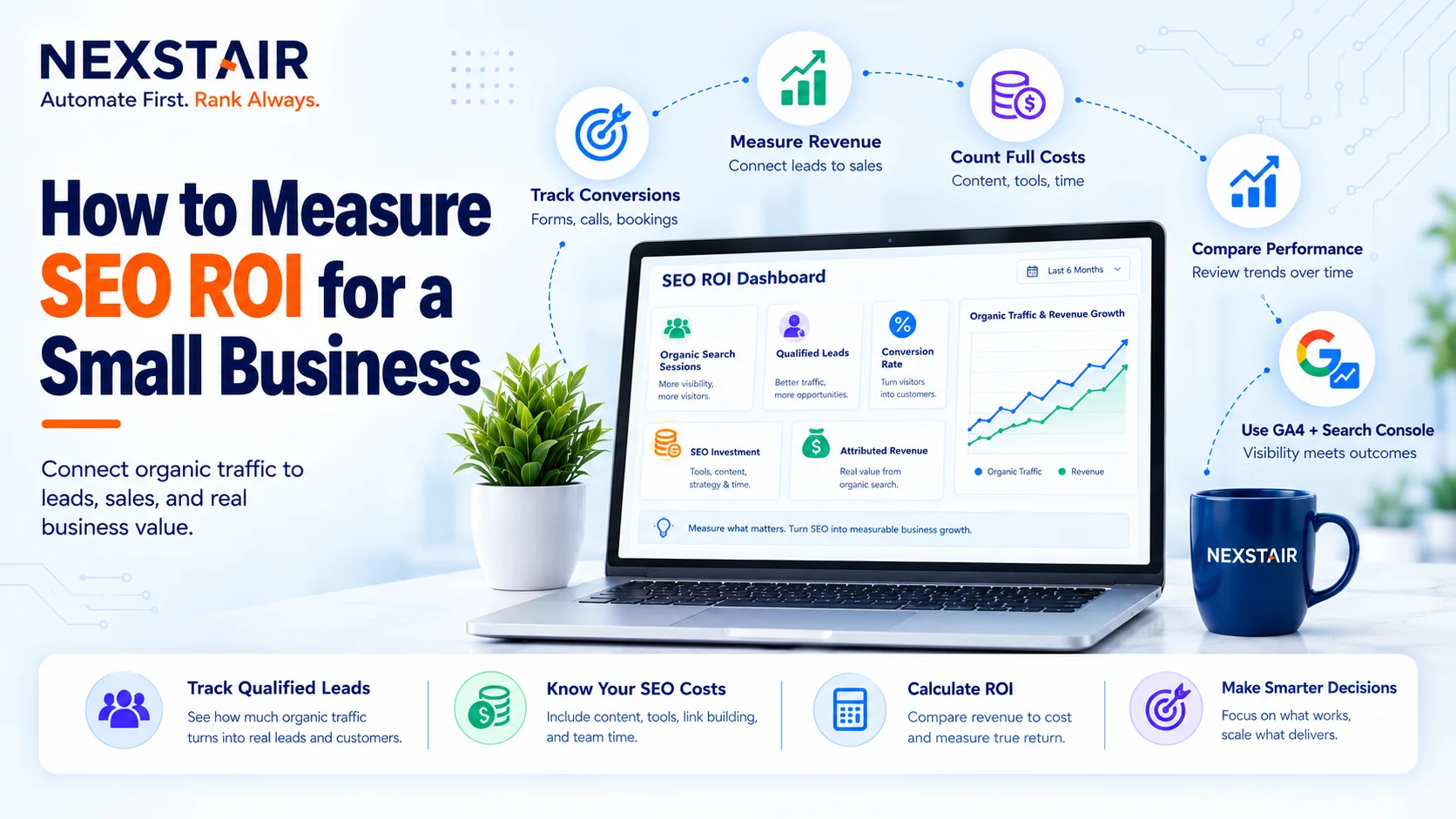
How to Measure SEO ROI for a Small Business
SEO ROI (search engine optimization return on investment) is the profit your organic search work returns, expressed as a percentage...

How Much Does a WordPress Website Cost in 2027?
If you search for the WordPress Website Cost, you will see answers ranging from $50 to $50,000. Nobody is lying...
Scale Your PPC Campaign Without Losing Budget
Scale your PPC campaign presents one of the most persistent dilemmas in digital marketing. When budgets increase, ad spend can...

Social Media Strategy for Small Business in 2026: Platforms, Budgets and AI Search Visibility
A social media strategy is a written plan that ties one business goal to a defined audience, two or three...