

How to Update a Static Website for Better Performance
Remember when having a website was enough? Just getting your business online felt like a major accomplishment. But here’s the thing; the digital world doesn’t stand still, and neither should your website. If you built a static site a few years ago and haven’t touched it since, you might be leaving a lot on the table.
Think of your website like a storefront. You wouldn’t let your physical shop get dusty, outdated, and difficult to navigate, right? The same principle applies online. Your static website might have served you well when you first launched it, but technology moves fast, user expectations evolve, and what was cutting-edge three years ago can look positively ancient today.
The good news? Updating your static site doesn’t have to be overwhelming. Whether you’re experiencing slow load times, seeing visitors bounce after just a few seconds, or noticing that your site looks awkward on mobile devices, these are all signs that it’s time for a refresh. And the benefits of updating go way beyond just looking prettier. You’re talking about better performance, higher search engine rankings, improved user experience, and ultimately, more conversions and business growth.
Ready to Turn Your Website into a High-Converting Powerhouse?
Don’t let slow load times, outdated design, or poor search visibility hold your business back. At NexStair Technologies, we craft modern web experiences, optimize technical performance, and implement data-driven SEO strategies that deliver real growth.
Let’s walk through how to recognize when your static site needs some love and what you can do to bring it into the modern era.
Signs Your Static Site Needs an Update
How do you know if your website needs an update? Sometimes it’s obvious that your site looks like it was designed in 2020 (because it was). Other times, the signs are more subtle. Let’s break down the key indicators that it’s time to roll up your sleeves and give your static site some attention.
Visual Appeal
First impressions matter, and in the digital world, you’ve got about 50 milliseconds to make one. That’s faster than a blink. If your website looks outdated, visitors will assume your business is too.
What does an outdated design look like? Maybe you’re using those chunky web-safe fonts from the early 2000s. Perhaps your color scheme screams “retro” in all the wrong ways—we’re talking bright blues, aggressive gradients, or that teal-and-orange combo that was everywhere a decade ago. Your images might be low-resolution or stretched in weird ways. Maybe you’re still using Flash elements (please tell me you’re not, but if you are, those need to go immediately).
Layout matters too. If your site has a cluttered homepage with walls of text, multiple sidebars crammed with widgets, or a carousel that auto-rotates through five different messages, you’re dealing with design patterns that modern web standards have moved away from. Today’s effective websites embrace whitespace, use high-quality imagery, feature clean typography, and guide visitors naturally through the content.
Here’s a quick test: pull up your website on your phone and show it to someone in their twenties. Their reaction will tell you everything you need to know. If they wince, scroll awkwardly, or struggle to find basic information, your visual design needs an update.
Technological Lag
This is where things get technical, but stay with me – it’s important. Your static site might look okay on the surface, but under the hood, it could be running on outdated technology that’s hurting your performance and security.
Are you still loading jQuery when you don’t need it? Using outdated JavaScript libraries? Serving images that are way larger than necessary? These technical decisions made years ago are now dragging down your site speed. And speed matters a lot. Studies show that 53% of mobile users abandon sites that take longer than three seconds to load. Every second of delay can cost you visitors, and visitors mean potential customers.
Then there’s the code itself. If your HTML is full of deprecated tags, inline styles, and nested tables for layout (yikes), you’re not just dealing with messy code, you’re dealing with code that modern browsers have to work harder to interpret. This slows everything down and can cause compatibility issues across different devices and browsers.
Security is another concern with technological lag. Older codebases and outdated dependencies can have known vulnerabilities. Even on a static site, if you’re using any third-party scripts, plugins, or form handlers, keeping them updated is crucial for protecting both your site and your visitors.
Page load times are your canary in the coal mine. If your pages take more than two or three seconds to fully load, you’ve got a technological lag problem. Run your site through Google PageSpeed Insights or GTmetrix these free tools will give you a detailed breakdown of what’s slowing you down.
User Engagement
This is where the rubber meets the road. You can have the prettiest, fastest website in the world, but if people aren’t engaging with it, something’s wrong.
Check your analytics. What’s your bounce rate? If more than 60-70% of visitors are leaving after viewing just one page, that’s a red flag. How long are people staying on your site? If the average session duration is under a minute, visitors aren’t finding what they need. Are people scrolling down your pages, or are they bouncing from the top? Heat mapping tools can show you exactly where engagement drops off.
Look at your conversion metrics too. Whether you want people to fill out a contact form, sign up for a newsletter, make a purchase, or download a resource, are they actually doing it? If your conversion rate has been steadily declining or was never great to begin with, your site isn’t doing its job.
User behavior speaks volumes. If your contact form submissions have dropped, if no one’s clicking your call-to-action buttons, or if visitors are immediately hitting the back button, these are all signs that your site isn’t meeting user expectations. Maybe your navigation is confusing. Perhaps important information is buried three clicks deep. Your forms might be too long or intimidating. Or maybe your value proposition just isn’t clear.
Here’s another telltale sign: if you’re getting fewer leads or inquiries through your website compared to other channels like social media or word-of-mouth, your site is actually working against you rather than for you.
Ready to transform your static website into a high-performing digital powerhouse? NexStair Technologies specializes in website optimization and modernization. Our team of experts can audit your current site, identify performance bottlenecks, and implement solutions that deliver measurable results. Let’s work together to create a website that not only looks great but performs exceptionally.
Improving Performance & User Experience (UX)
Now that we’ve identified the problems, let’s talk about solutions. Improving your static site’s performance and user experience isn’t just about making things look nice—it’s about creating a website that works efficiently and meets user needs.
Start with the technical performance. This is often the quickest win with the biggest impact. Compress your images—there’s no reason to serve a 5MB hero image when a 200KB version looks identical on screen. Use modern image formats like WebP when possible. Implement lazy loading so images only load when they’re about to appear on screen.
Minimize your CSS and JavaScript files. Remove any code you’re not using (and if you built your site years ago, there’s probably a lot of it). Combine multiple CSS or JavaScript files into single files to reduce HTTP requests. Enable browser caching so returning visitors don’t have to download everything again.
Consider using a Content Delivery Network (CDN). Even though you have a static site, serving your content from servers geographically closer to your visitors can dramatically reduce load times. Many CDNs offer free tiers that are perfect for smaller static sites.
Next, focus on user experience fundamentals. Your navigation should be intuitive and consistent across every page. Users should never have to think about where to find information—it should be obvious. Implement a clear visual hierarchy that guides visitors through your content. Use headings, subheadings, bullet points, and whitespace strategically to make content scannable.
Make your calls-to-action clear and compelling. Every page should have a purpose, and it should be crystal clear what you want visitors to do next. Whether that’s “Contact Us,” “Learn More,” “Get a Quote,” or “Download Now,” your CTAs should stand out visually and use action-oriented language.
Improve your forms. If you’re asking for information, make it as painless as possible. Remove unnecessary fields—do you really need someone’s phone number, mailing address, and company size just to send them a brochure? Use smart defaults, provide clear labels, and give helpful error messages when something goes wrong.
Speed up your site’s perceived performance too. Sometimes it’s not about actual load time but how fast your site feels. Using skeleton screens, progressive loading, and smooth transitions can make your site feel snappier even while content is still loading in the background.
Modernizing the Design
Let’s talk about bringing your website into the current decade from a design perspective. Modern web design isn’t just about following trends—it’s about creating experiences that feel intuitive, professional, and trustworthy.
Contemporary design embraces minimalism, but not in a boring way. Think clean lines, purposeful use of color, and generous whitespace that lets your content breathe. Your design should feel uncluttered and focused. Every element on the page should serve a purpose—if it doesn’t, get rid of it.
Typography has come a long way. Modern websites use custom fonts that reflect brand personality while maintaining excellent readability. You’re no longer limited to Arial, Georgia, and Times New Roman. Services like Google Fonts and Adobe Fonts give you access to thousands of high-quality typefaces that load quickly and look great across all devices. Choose fonts that are legible at various sizes and that complement your brand identity.
Color schemes in modern design tend to be more sophisticated than the primary-color-heavy palettes of the past. Consider using a dominant brand color paired with neutral backgrounds and strategic pops of accent colors for CTAs and important elements. Dark mode has also become increasingly popular—many modern sites offer a toggle that lets users choose their preferred viewing experience.
Imagery should be high-quality, authentic, and relevant. Stock photos of people in suits shaking hands in generic conference rooms are out. Real photos of your actual team, your products, or your work in action are in. If you must use stock imagery, choose photos that feel genuine and contemporary rather than overly posed or cliché.
Modern layouts are often based on grid systems that create visual harmony and make your content feel organized even when there’s a lot of it. Card-based layouts are popular for presenting multiple pieces of information in a digestible format. Hero sections with clear, concise messaging and strong visuals immediately communicate what you’re about.
Animation and micro-interactions have become standard in modern web design, but the key is subtlety. Smooth scrolling, gentle hover effects, and purposeful transitions enhance the user experience without being distracting. A button that slightly changes color on hover or a menu that smoothly slides in from the side feels polished and professional.
Accessibility should be built into your modern design from the ground up. This means proper color contrast for readability, descriptive alt text for images, keyboard navigation support, and semantic HTML that screen readers can interpret correctly. Accessible design isn’t just good ethics—it’s good business, expanding your potential audience.
Visual hierarchy is crucial in modern design. Your most important content should be the most prominent. Use size, color, contrast, and positioning to guide visitors’ eyes naturally through your content in the order you want them to process it.
SEO and Mobile Responsiveness
Here’s something that might surprise you: even if your static site looks great and loads quickly on your desktop, you could still be hemorrhaging potential traffic and customers. Two words: mobile responsiveness and SEO.
Let’s start with mobile. Over 60% of web traffic now comes from mobile devices. If your site wasn’t built with mobile-first design principles, you’ve got a problem. Pull out your phone right now and look at your website. Does text require zooming to read? Do buttons require precision tapping because they’re too small? Does content get cut off or require horizontal scrolling? Does your navigation menu work properly on a touchscreen? If you answered yes to any of these, your mobile experience needs work.
Mobile responsiveness isn’t just about shrinking your desktop site to fit a smaller screen. It’s about adapting your entire layout, navigation, and interaction patterns to work beautifully on screens of all sizes. This means flexible grids, scalable images, readable text without zooming, touch-friendly buttons and links (at least 44×44 pixels), and navigation that makes sense on mobile—often through hamburger menus or bottom navigation bars.
Google uses mobile-first indexing, meaning it primarily looks at the mobile version of your site when determining search rankings. If your mobile experience is poor, your SEO suffers across the board, even for desktop searches.
Outgrown Your Current Web Design?
Your business evolves—and your website should keep up. From modern visual redesigns to mobile-first user experience upgrades, our web design experts build seamless digital experiences that load fast, rank on search engines, and convert traffic into loyal customers.
Speaking of SEO, your static site needs to be optimized for search engines to stand a chance of being found. Start with the basics: descriptive, keyword-rich page titles and meta descriptions for every page. Your URLs should be clean and descriptive—”/services/web-design” is much better than “/page.php?id=247.”
Use header tags (H1, H2, H3) properly to structure your content. Search engines use these to understand your content hierarchy, and users rely on them for scanning. Your main page heading should be in an H1 tag, section headers in H2, and subsections in H3. Don’t skip levels or use headers just for styling.
Image optimization goes beyond file size. Every image should have descriptive alt text that explains what the image shows. This helps search engines understand your content and makes your site accessible to visually impaired users using screen readers.
Content quality matters enormously for SEO. Search engines favor websites with substantial, original, valuable content that answers users’ questions. If your static site has thin content—just a few paragraphs per page—consider expanding it with more detailed, helpful information. But don’t just add filler content—add value.
Page speed is an official Google ranking factor. All those performance improvements we talked about earlier don’t just help user experience—they directly impact your search visibility. Use structured data markup (Schema.org) to help search engines understand your content better. If you’re a local business, this is especially important for appearing in local search results and map listings.
Build internal links between your pages. This helps search engines discover all your content and understand how your pages relate to each other. It also helps users navigate your site and discover related information.
Make sure your site has an XML sitemap and that it’s submitted to Google Search Console. This helps search engines efficiently crawl and index your pages. While you’re in Search Console, check for any crawl errors, mobile usability issues, or security problems.
Don’t let technical SEO and mobile optimization challenges hold your business back. NexStair Technologies offers comprehensive SEO audits and mobile optimization services tailored to static websites. Our proven strategies have helped countless businesses improve their search rankings and mobile user experience. Whether you need a complete mobile redesign or targeted SEO improvements, we have the expertise to help you succeed. Get in touch with NexStair Technologies now and let’s create a strategy that puts your website in front of more potential customers.
Final Word | How to Update a Static Website
Your static website is often the first interaction potential customers have with your business, and first impressions really do matter in the digital world. If your site is showing signs of age—whether through outdated design, sluggish performance, poor mobile experience, or weak user engagement—it’s time to take action.
The beauty of static sites is that they’re relatively straightforward to update and optimize. You don’t need a complete rebuild to see significant improvements. Sometimes it’s about optimizing images and code for better performance. Other times it’s modernizing your design to meet current user expectations. Often it’s ensuring your site works beautifully on mobile devices and ranks well in search engines.
The investment you make in updating your static site pays dividends across multiple areas. Faster load times reduce bounce rates and improve user satisfaction. Modern, clean design builds trust and credibility with visitors. Mobile responsiveness ensures you’re not losing half your potential audience. Strong SEO practices put your site in front of more people actively searching for what you offer.
Remember, your website isn’t a “set it and forget it” asset. It’s a living part of your business that needs regular attention and updates to remain effective.
Whether you’re noticing declining engagement metrics, feeling embarrassed about your site’s appearance, or simply recognizing that it’s been years since your last update, now is the perfect time to give your static site the refresh it deserves. Your website should be working hard for your business, not working against it. With the right updates and optimizations, your static site can deliver the performance, user experience, and results your business needs to thrive online.
Contact us to get professional help and bring live to your static website.
🌐 Visit: https://nexstair.com/
📧 Email: info@nexstair.com
Recent Posts
Related Posts
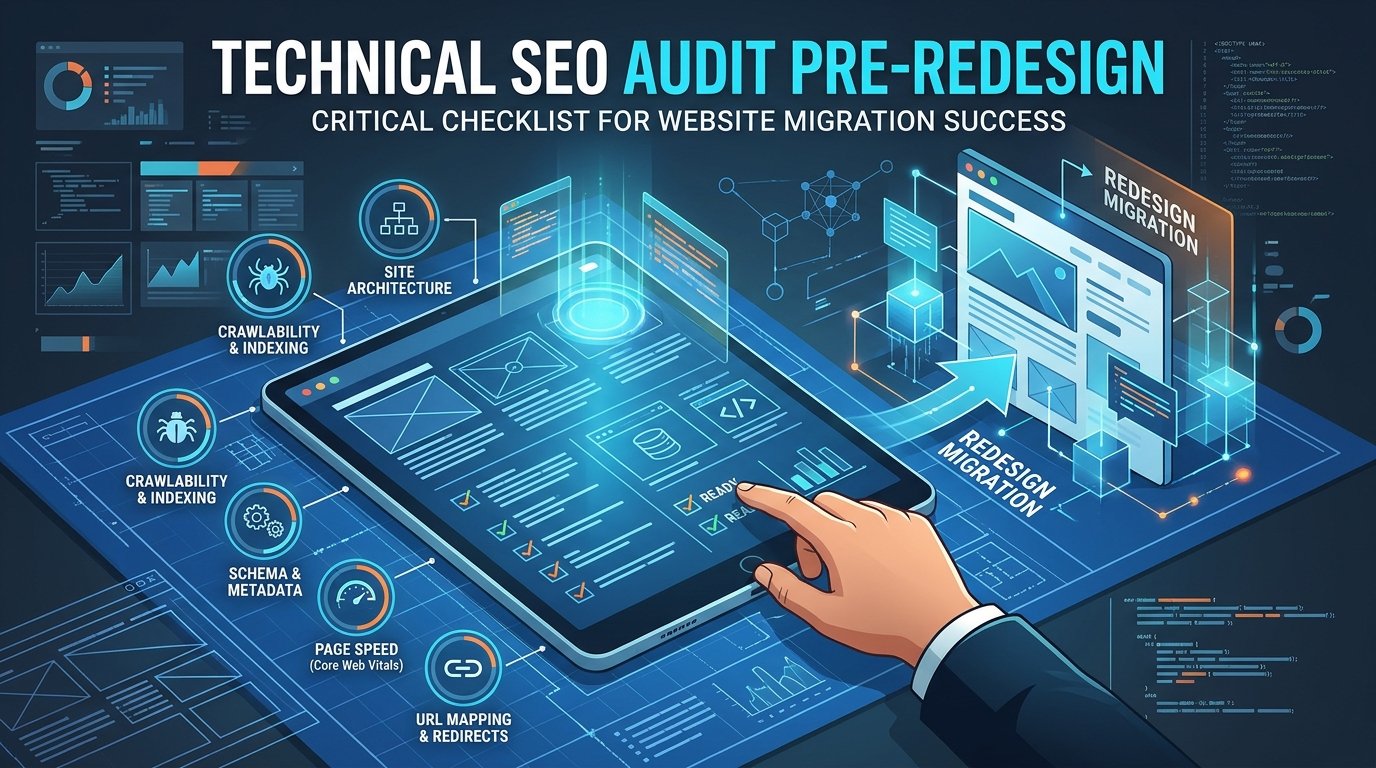
A website redesign is exciting. New layout, fresh branding, better user experience. It is also one of the easiest ways...

Growing a travel brand on Instagram means turning attention on the platform into inquiries and paid bookings, not just a...

AI landing page design services are professional design and build engagements where a team combines AI prototyping and behavior analytics...
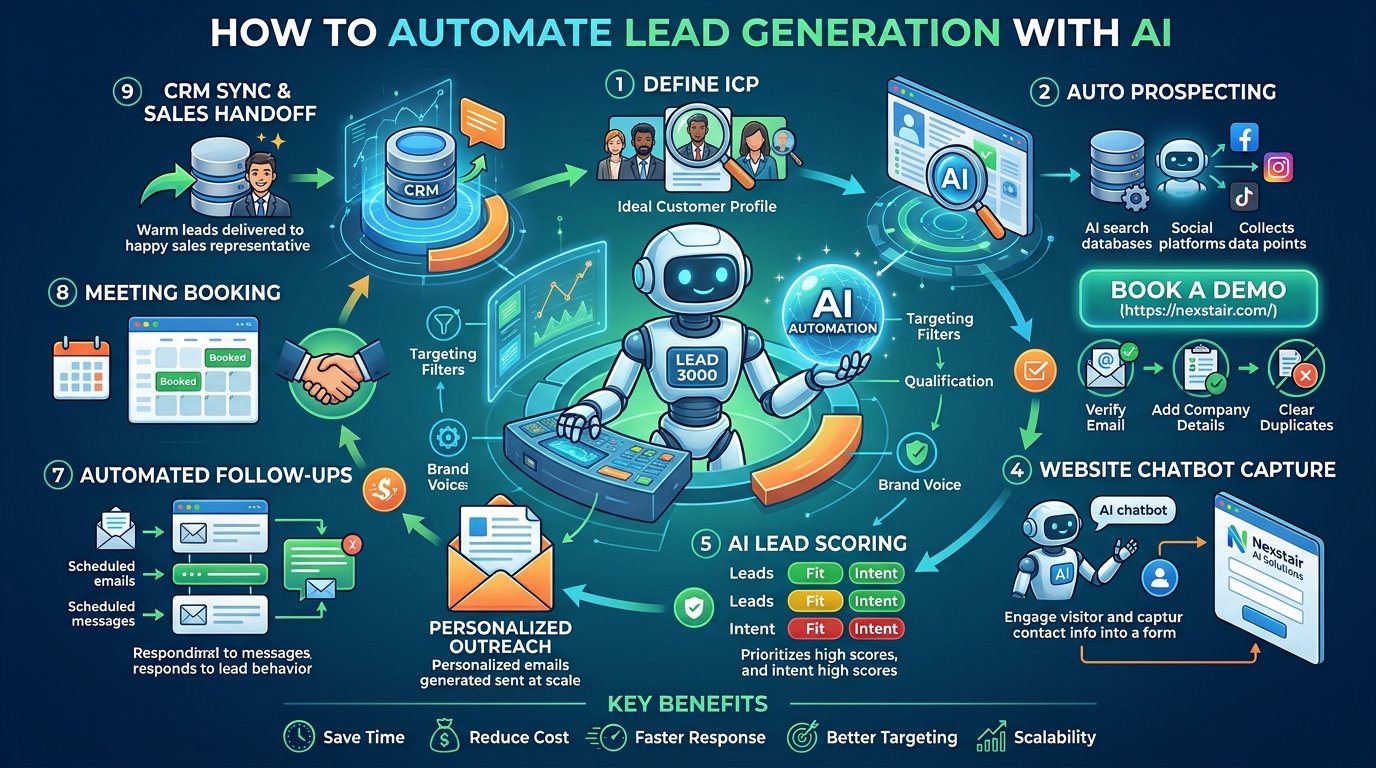
Learn how to automate lead generation with AI, from finding prospects and scoring leads to follow-ups and chatbots. A practical...
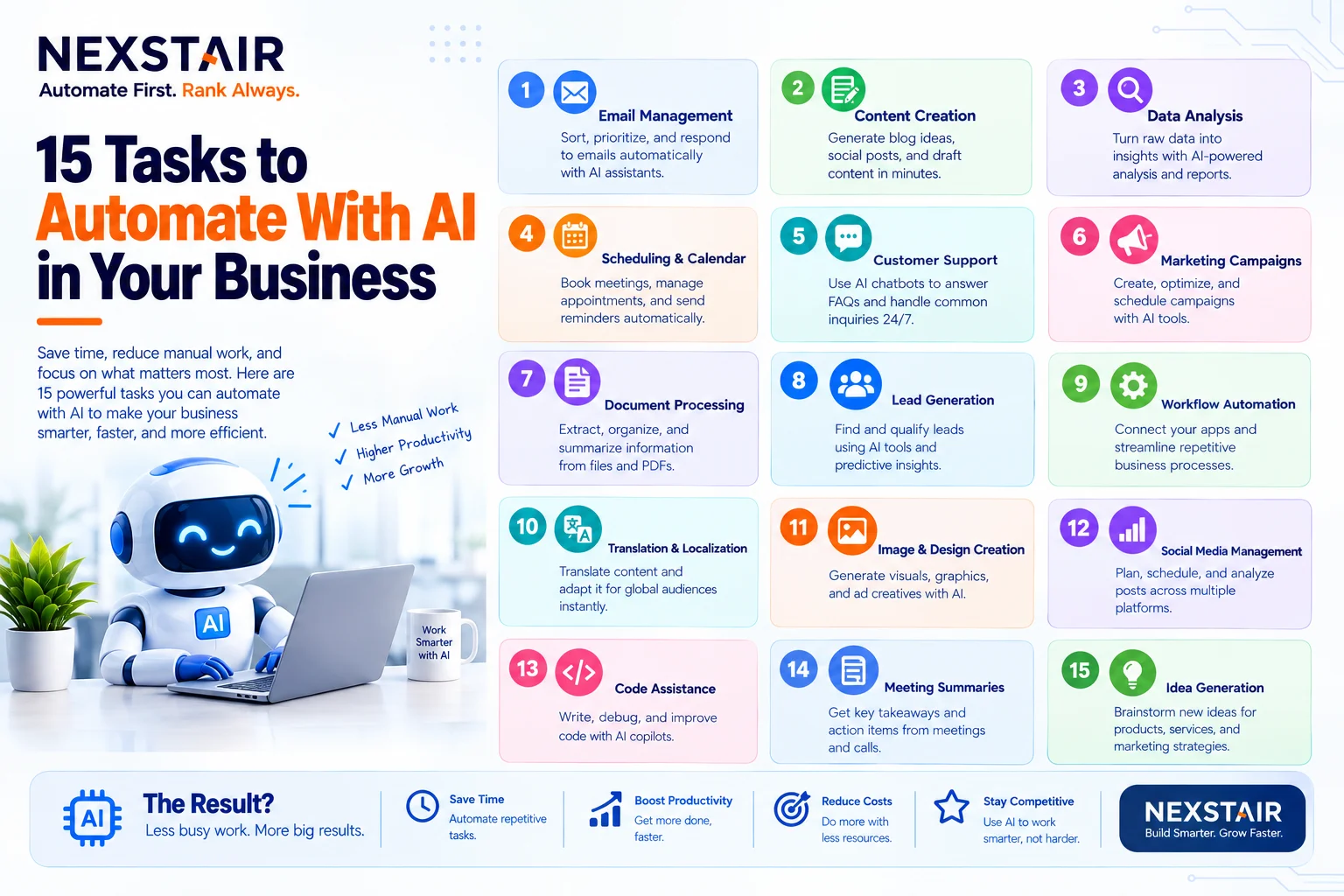
Every business has work that nobody enjoys and everybody does. Copying leads from a form into a spreadsheet. Chasing an...