
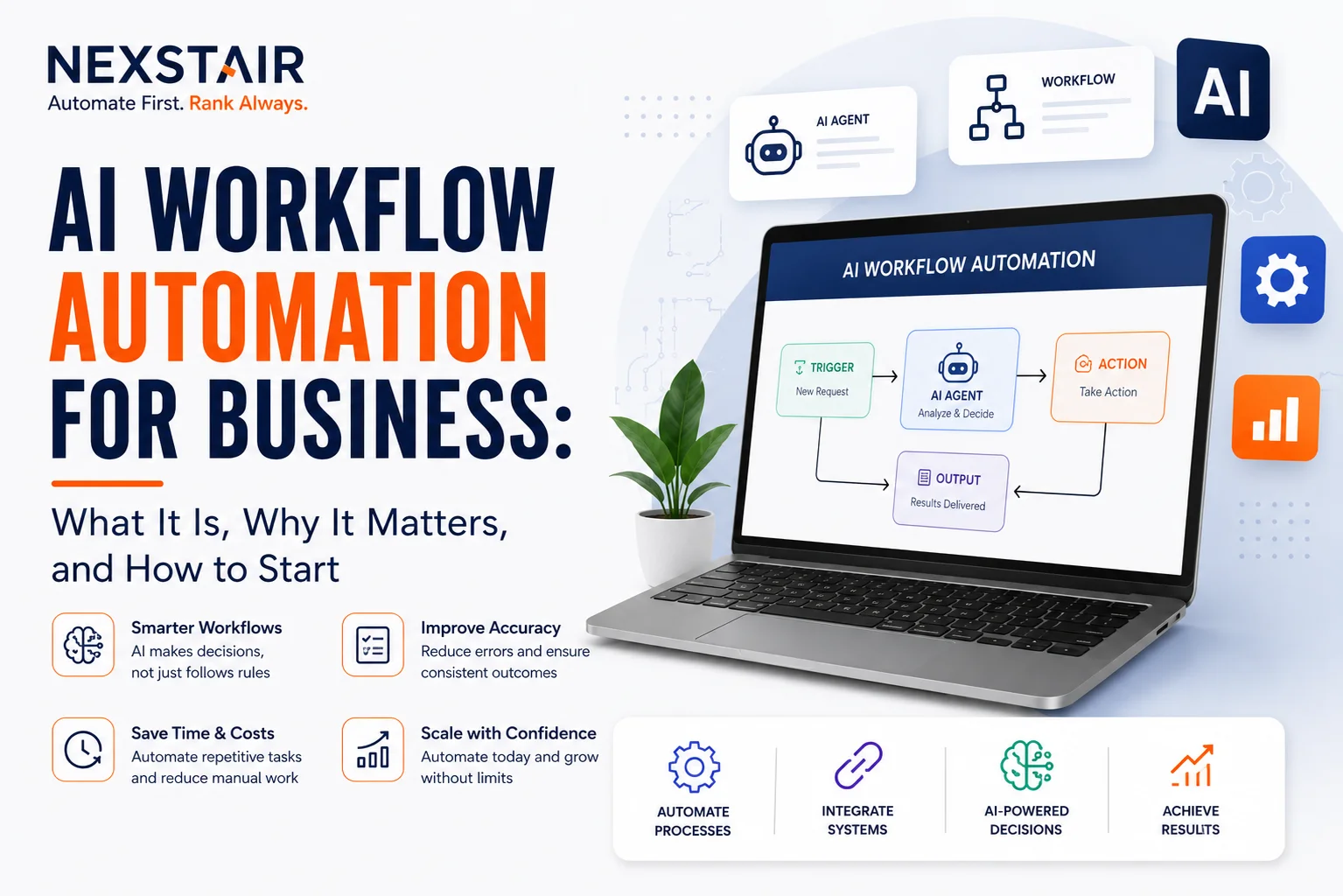
Guide of AI Workflow Automation for Business: What It Is, Why It Matters
Most companies already use AI somewhere. Almost none have redesigned their actual workflows around it. That gap is where AI workflow automation for business lives: not another app bolted onto your stack, but a rebuild of how work moves from one step to the next, with software making the small decisions a person used to make by hand.
This guide covers what AI workflow automation actually is, how it differs from the automation you already have, where it delivers the fastest return, and how a business decides where to start. If you want a partner to handle the build, Nexstair’s intelligent workflow automation team runs a process audit first and builds from a map of your actual workflows, not a vendor’s feature list.
What Is AI Workflow Automation? A Guide By Nexstair
AI workflow automation uses machine learning and AI agents to run business processes end to end, making judgment calls that used to require a person. It differs from traditional automation in one key way: rule-based tools like robotic process automation (RPA) follow fixed instructions, while AI workflow automation reads context, adapts to variation, and improves as it processes more data.
How AI Workflow Automation Differs From Traditional Automation
A simple example makes the distinction clear. Traditional automation can move a file from an inbox to a folder. AI workflow automation reads the file, extracts the relevant data, decides which system it belongs in, and flags anything that looks wrong, all without a template for every possible input.
Three Technologies Behind AI Workflow Automation
Three technologies do most of the work:
Machine Learning
Machine learning learns from historical data and gets more accurate at a task the more it runs.
Natural Language Processing (NLP)
Natural language processing (NLP) lets software read and act on unstructured text: emails, contracts, support tickets, and intake forms.
AI Agents
AI agents chain multiple steps together and make routing or escalation decisions based on content, not just fixed rules.
Combined, these turn a workflow from a set of manual handoffs into a self-running process with a person reviewing exceptions instead of doing every step.
Why Businesses Are Adopting AI Workflow Automation Now
Adoption has outpaced execution. McKinsey found that 88% of organizations now use AI in at least one business function, yet most haven’t rebuilt their workflows to capture the value that adoption should unlock. Deloitte reports that 78% of companies have implemented or plan to implement workflow automation as a core operational strategy, and 66% already report measurable productivity gains from AI adoption.
“Businesses looking for a broader AI digital marketing agency can also work with Nexstair to combine AI-driven process automation with SEO, paid marketing, and other digital growth services.”
The pressure driving that shift is straightforward. Manual processes don’t scale without adding headcount. Every handoff between systems is a place where data gets lost, delayed, or entered wrong. And customers, employees, and vendors now expect a response measured in minutes, not days.
Worker performance gains from AI-assisted process automation can run close to 40%, according to MIT Sloan research, largely because staff stop spending hours on data entry and start spending that time on decisions and relationships instead. The business case isn’t replacing people. It’s freeing them from work that never needed a person in the first place.
Where AI Workflow Automation Delivers the Fastest ROI
Not every process benefits equally. The workflows that pay back fastest share three traits: high volume, a repeatable structure, and a clear, measurable outcome.
Client Communication and Follow-Ups
Missed follow-ups cost deals, and slow responses lower conversion. AI-driven sequences send appointment confirmations, follow-up reminders, and onboarding messages automatically, triggered by activity in a CRM or project management tool.
Tools like Zapier connect that CRM to email, Slack, and outreach platforms so updates move without someone pushing them manually. Platforms like n8n go a step further, combining trigger-based automation with AI agent orchestration in the same workflow.
Document Processing and Data Entry
Manual data entry is one of the highest-error, highest-cost tasks in most operations.
NLP-driven document processing extracts data from invoices, contracts, and intake forms, then pushes it directly into accounting or project management systems.
Businesses report cutting time spent on manual tasks by 10% to 50% once this runs in the background.
Internal Approvals and Task Routing
Approval bottlenecks slow every department down.
AI-based routing assigns tasks to the right person based on type, priority, or content, handling the predictable cases automatically and escalating the judgment calls that still need a human.
Reporting and Data Analysis
Compiling reports by hand pulls managers away from the decisions those reports inform.
AI-powered workflows pull from existing data sources, generate reports on schedule, and surface the metrics worth acting on, so the report exists before anyone had to build it.
How AI Workflow Automation Changes Day-to-Day Operations
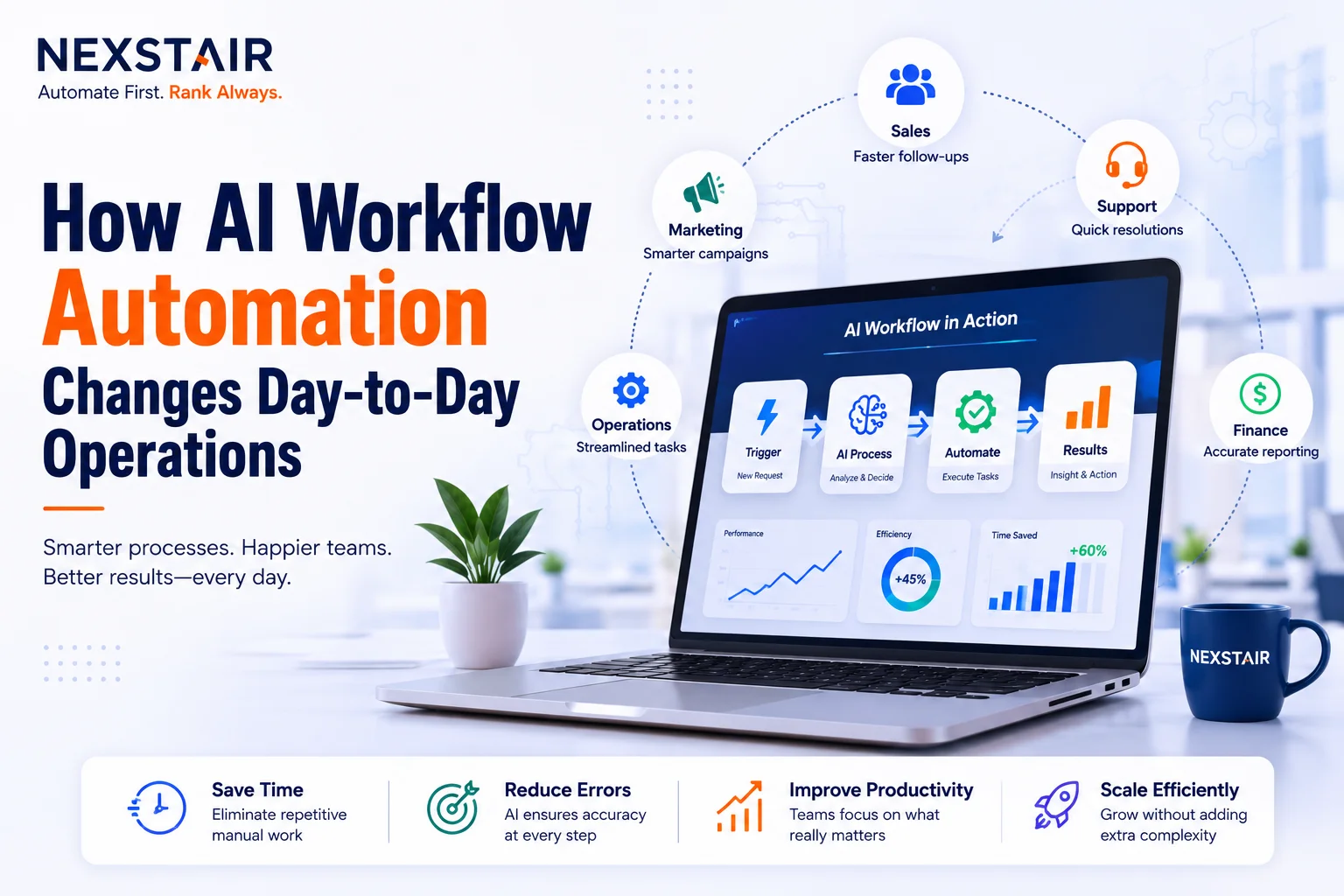
AI workflow automation changes how different teams handle repetitive operational work.
AI Automation for Sales Teams
Sales teams stop re-entering the same contact information across four systems and start letting an AI agent draft the update, log the call, and set the next reminder.
The Automation for Customer Support
Support teams route the routine ticket automatically and hand the AI agent the “reset my password” volume, so a human only sees the tickets that actually need judgment.
Automation for Finance Teams
Finance teams get invoices matched, coded, and queued for approval without touching a spreadsheet.
None of this removes the person from the process. It removes the parts of the process that never required a person’s judgment in the first place, which is a different thing entirely.
The Building Blocks: Types of Automation Tools
Businesses rarely rely on a single tool. Most effective setups combine several, each suited to a different kind of task.
Robotic Process Automation (RPA)
Robotic process automation (RPA) still handles the purely rule-based work: moving data between two systems, filling a fixed form, and running a scheduled export.
It’s fast and cheap to deploy, but it breaks the moment a process deviates from the script.
AI Agents
AI agents sit a level above RPA. They chain several steps together, read unstructured input, and decide what happens next based on content rather than a fixed rule.
An agent handling vendor invoices, for example, can read the document, match it against a purchase order, flag a mismatch, and route only the exceptions to a person.
The distinction between these two matters enough that it’s worth its own read: see AI Agents vs Workflow Automation for a full breakdown of when each one fits.
Conversational AI and Chatbots
Conversational AI and chatbots handle the front line of customer and employee interactions: support tickets, HR questions, and initial sales inquiries.
They resolve the routine volume in real time and hand off anything that needs a human touch.
Generative AI Platforms
Generative AI platforms draft content, summarize long documents, and analyze datasets on request.
Marketing and reporting teams use these to compress work that used to take hours into a first draft ready for review in minutes.
How These AI Automation Tools Work Together
The businesses getting the most value rarely pick one category and stop.
RPA handles the fixed-rule volume, AI agents manage the judgment calls, and chatbots or generative tools sit on top for anything conversational.
Treating these as one system, not four separate purchases, is what separates a workflow that actually runs end to end from a collection of disconnected point solutions.
Common Objections and Real Risks
AI workflow automation isn’t risk-free, and a business considering it should weigh these honestly.
Change Management
Staff often worry AI threatens their role.
Open communication about what the automation actually replaces, paired with training on the tools, drives adoption far more than a rollout announcement ever will.
Data Exposure and Security
Every integration between apps and AI systems moves data across a new connection point.
If that connection isn’t secured properly, client records and financial data are exposed.
Security needs to be part of the architecture from day one, not an afterthought bolted on later.
Over-Reliance Without Human Review
AI models make mistakes, and a workflow that runs without a checkpoint can repeat an error at scale before anyone notices.
Build a human review step into any workflow that touches money, compliance, or client-facing decisions.
Governance Gaps
A large share of organizations, by some estimates over 40%, still lack a formal AI risk framework.
That gap becomes a liability the moment automation scales past a single pilot process.
How to Start AI Workflow Automation: A Practical Path
Most businesses stall because they try to automate everything at once. A narrower approach works better.
1. Pick One Process
Choose the highest-volume, most repetitive task with a clear structure, such as client follow-ups, document intake, or approval routing.
2. Document the Existing Workflow
An inconsistent manual process produces an inconsistent automated one.
Map the steps before building anything.
3. Test the Automation in Parallel
Run the automation alongside the manual version until outputs match consistently, then switch over.
4. Scale After Measuring Results
Expand to the next process once the first is stable and the results are measured, not assumed.
Only about 30% of organizations are currently redesigning workflows around AI rather than just layering it on top of existing processes.
Starting with one well-scoped workflow, done properly, puts a business ahead of most competitors still stuck at the adoption stage.
Set a Measurable Baseline Before You Automate
Skipping this step is the most common reason automation projects stall out after a promising pilot.
Before touching a single tool, record:
- How long the manual process takes
- How many errors it produces in a typical month
- What it costs in staff hours
Without that baseline, there’s no way to prove the automation actually worked, and no way to justify expanding it to the next process.
Example: Automating Client Intake for a CPA Firm
A CPA firm automating seasonal client intake is a useful real-world case.
The manual version ran on sorting, data entry, and follow-up emails done by hand.
The automated version:
- Extracts data from submitted documents with NLP.
- Pushes it to the accounting platform through an API.
- Triggers a reminder sequence if a client hasn’t submitted required files.
- Routes support tickets automatically.
- Follows a templated onboarding sequence.
- Sends exceptions and client calls to staff for human handling.
Staff review exceptions and handle client calls; the software handles everything repeatable.
How the Same Model Applies Across Industries
The same structure applies just as well in healthcare intake, legal document review, or any process built around a high volume of similar documents.
When to Bring in an AI Automation Partner
Some projects are straightforward enough to handle with off-the-shelf, no-code tools.
Others need outside expertise, particularly when:
- Systems don’t integrate cleanly.
- Workflows touch sensitive client or financial data.
- An internal team lacks the bandwidth to build, test, and monitor new automation.
- The workflow requires multiple connected systems.
- Governance and monitoring need to be built into the architecture.
Nexstair Automate Services team starts every engagement with a process audit, then designs and deploys custom AI agents, connects them to your CRM, email, and reporting stack through platforms like n8n, and builds the governance and monitoring layer around them so automation doesn’t become a blind spot.
Visit the AI automation Services page to see the full scope of what a properly built automation system looks like.
Frequently Asked Questions About AI Workflow Automation
Is AI workflow automation the same as RPA?
No. RPA follows fixed, rule-based instructions and breaks when a process deviates from the template.
AI workflow automation uses machine learning and NLP to read context, handle unstructured data, and adapt to variation, which lets it manage tasks RPA alone cannot.
Which business processes should be automated first?
High-volume, repeatable tasks such as client follow-up sequences, document intake, approval routing, and scheduled reporting deliver the fastest payback.
These carry lower risk than complex, judgment-heavy workflows and are the standard starting point for most implementations.
Does AI workflow automation replace employees?
No. The goal is removing repetitive tasks that never required human judgment, not reducing headcount.
Staff shift toward decisions, client relationships, and exception handling, work that automation cannot do on its own.
How Much Time Does AI Workflow Automation Actually Save?
Reported savings vary by process, but businesses commonly cut time spent on manual tasks by 10% to 50% once document processing, data entry, or routing runs through AI rather than a person.
Worker performance gains from AI-assisted automation have been measured at close to 40% in some studies.
Do Small Businesses Need Smart Automation SolutionsAgency, or Can They DIY It?
Many workflows can be built with no-code tools like Zapier without outside help.
An automation partner adds the most value when the workflow touches sensitive data, requires integration across several systems, or needs a compliance layer that an internal team doesn’t have time to build and monitor.
What’s the Biggest Risk in AI Workflow Automation?
Running automation without a human review checkpoint on anything that touches money, compliance, or client-facing decisions.
An unmonitored workflow can repeat an error across hundreds of records before anyone catches it, so visibility and audit trails matter as much as the automation itself.
Recent Posts
Related Posts
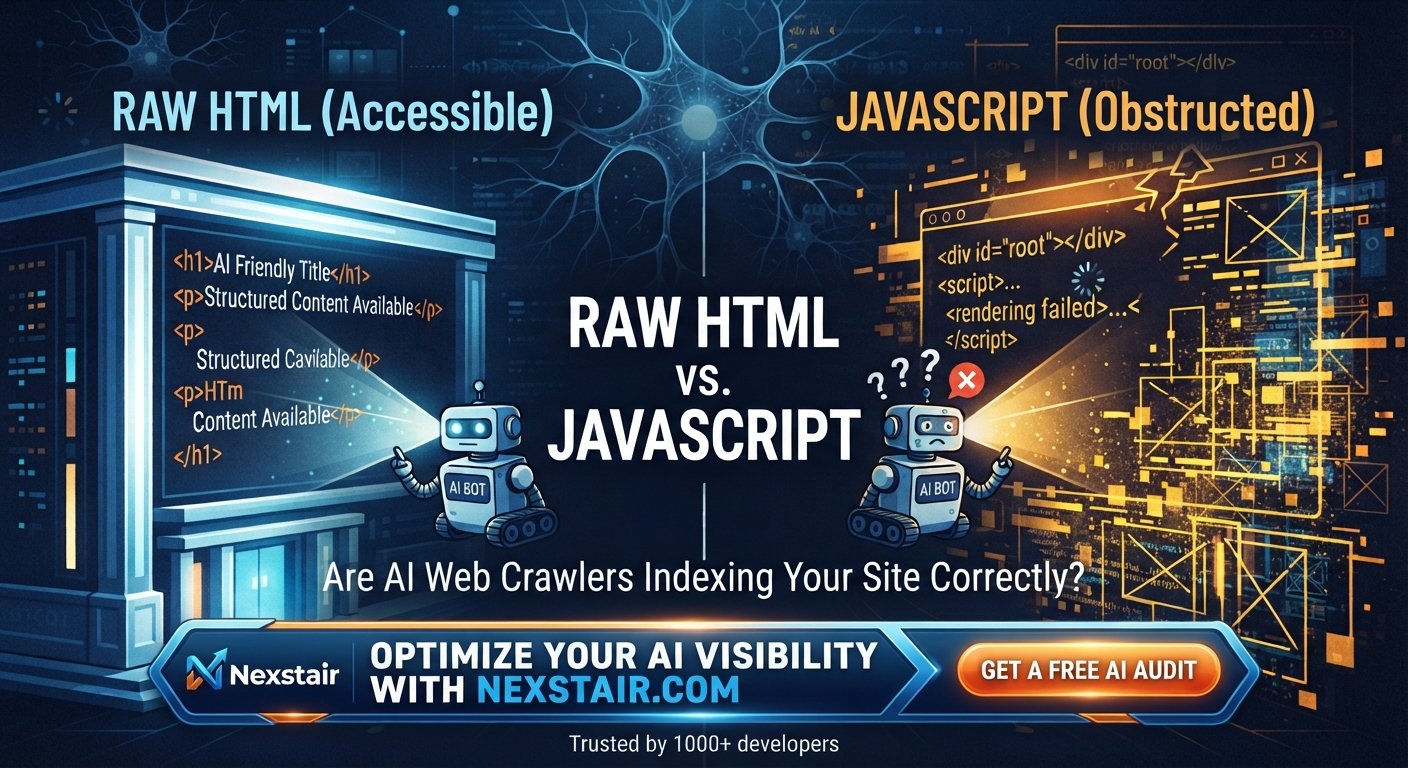
Are AI Web Crawlers Indexing Your Site Correctly?
For years, web developers have relied on JavaScript to power the modern internet, operating under the assumption that search engines...
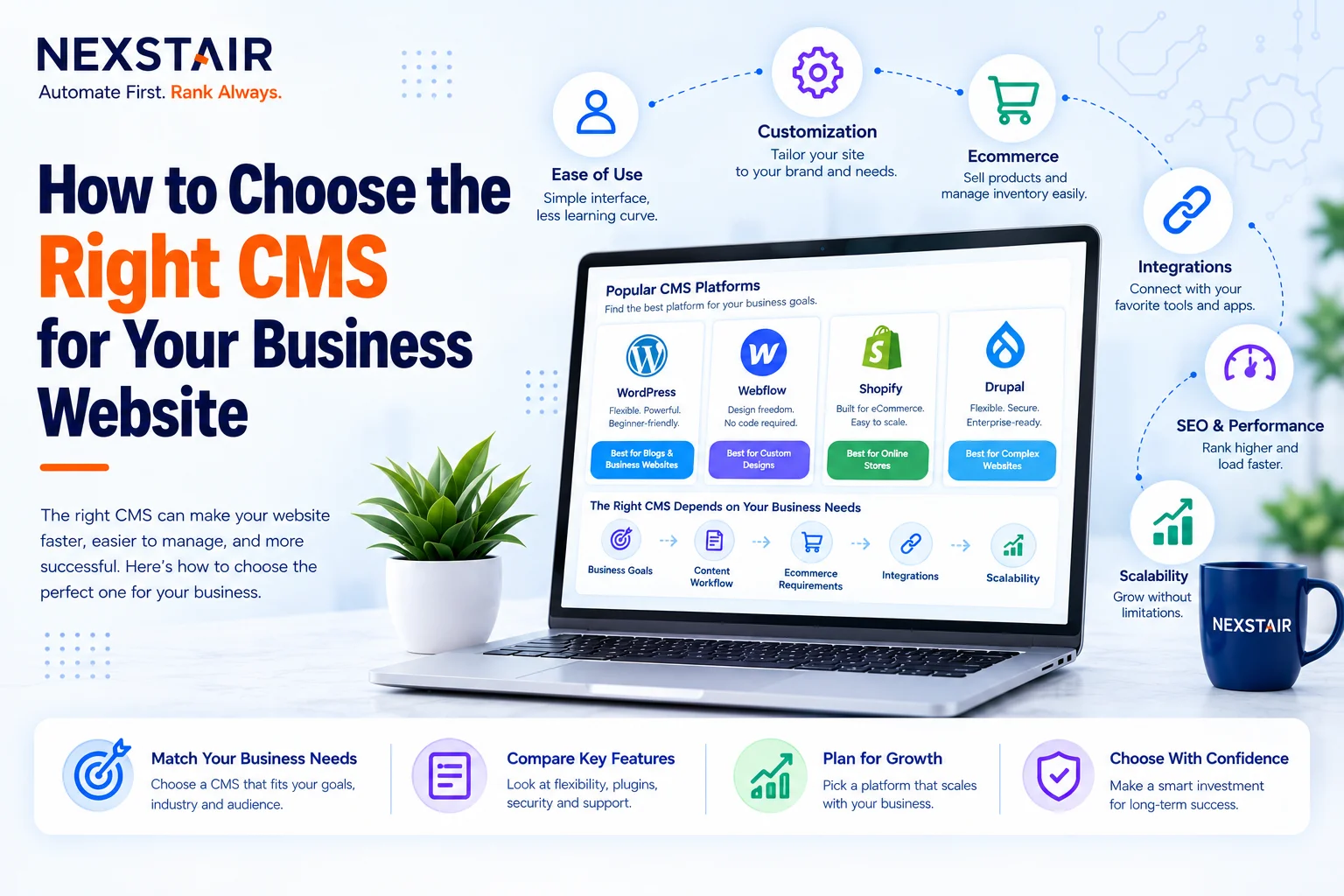
How to Choose the Right CMS for Your Business Website
Choosing a CMS for business use is an architectural decision, not a design decision, even though most business owners approach...

How to Manage Social Media Marketing for Small Business
Learn how to manage social media marketing for small business effectively & proven strategies, planning tips, and tools to grow...
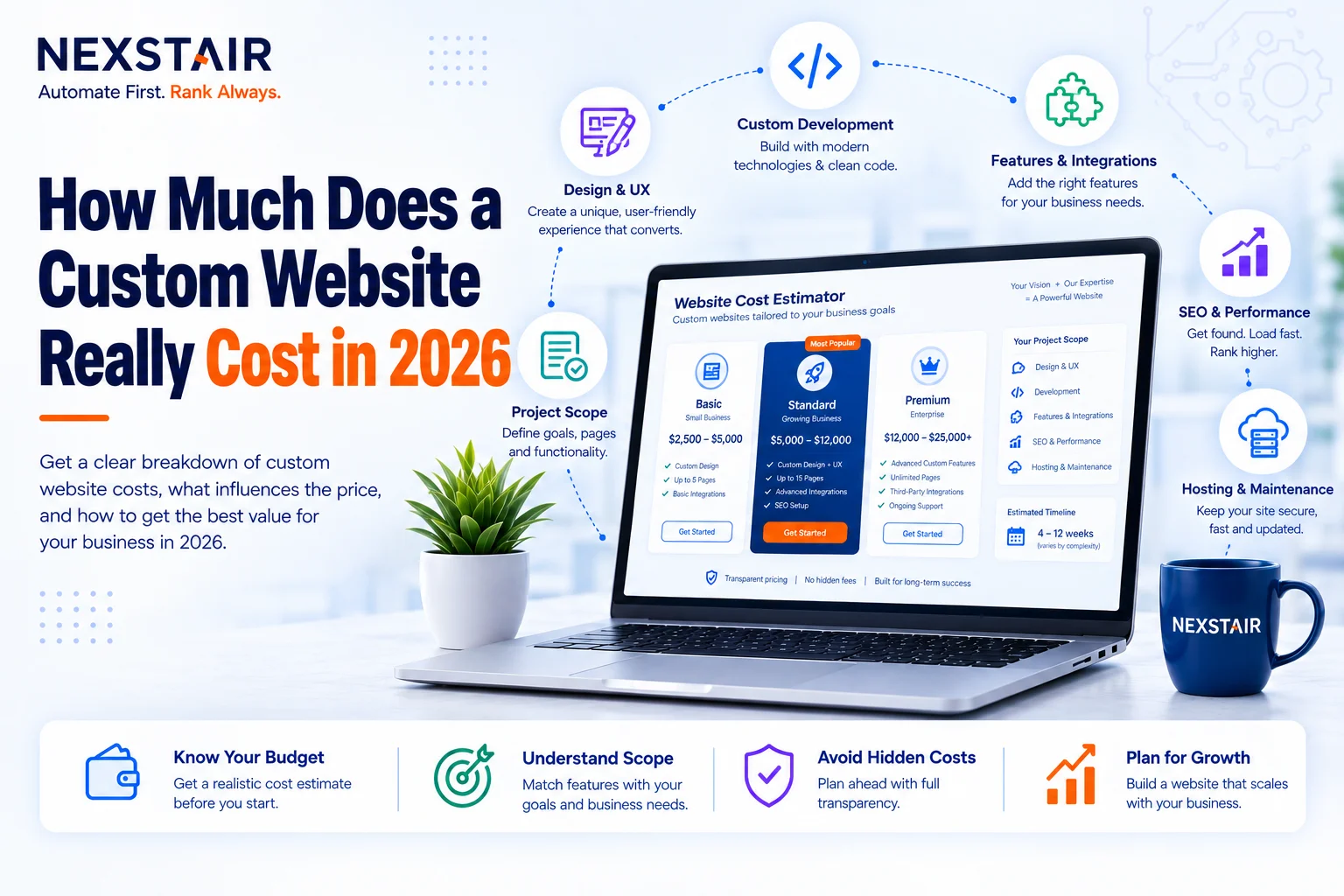
How Much Does a Custom Website Cost in 2026
Ask five agencies what a custom website costs and you’ll get five different numbers, and none of them will be...
Shopify vs WooCommerce: Choosing the Right Ecommerce Platform
Choosing an eCommerce platform is one of those silent factors that can impact your monthly costs, your developers' pain,...