
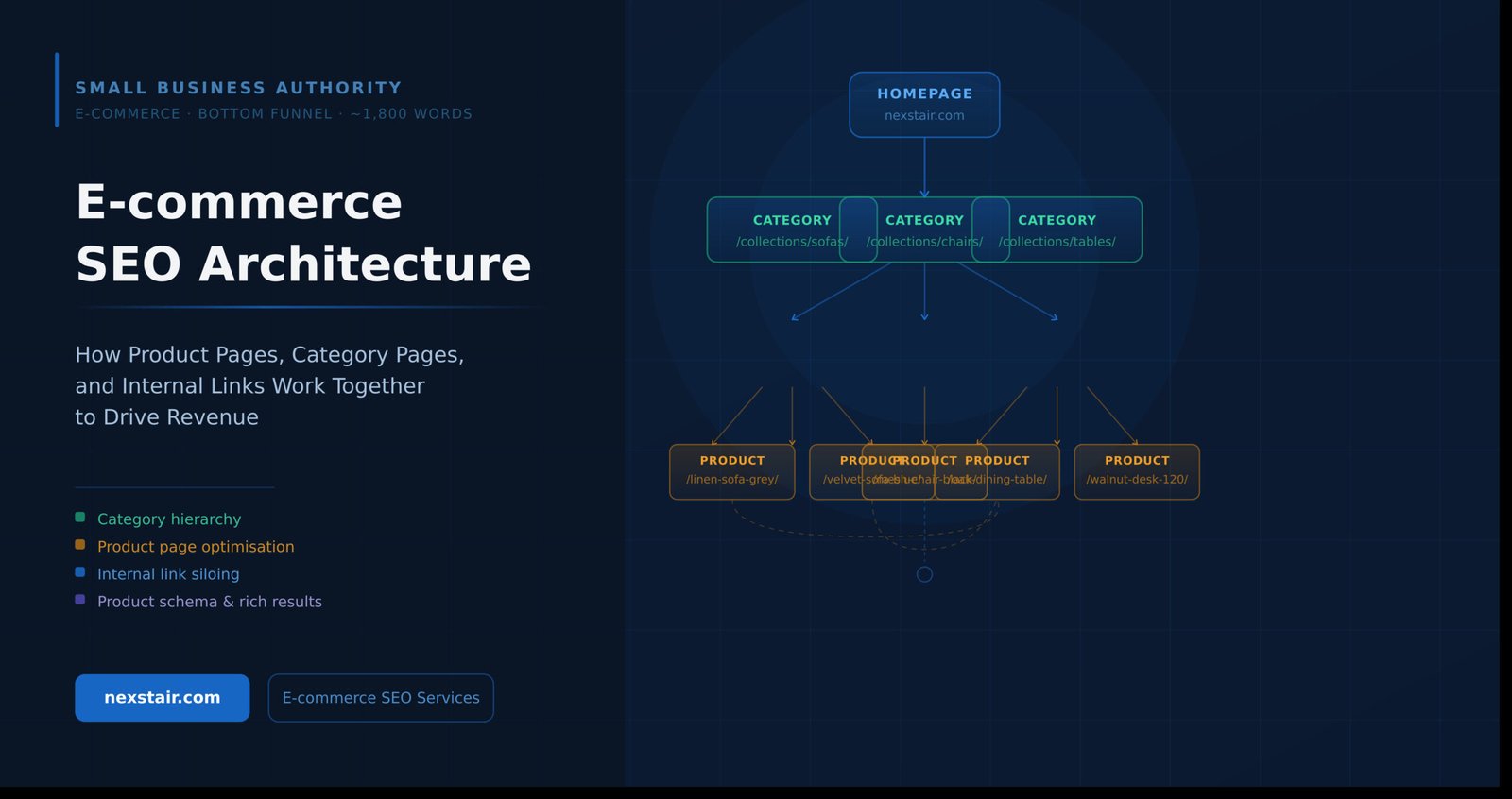
E-commerce SEO Architecture: How Product Pages, Category Pages, and Internal Links Work Together to Drive Revenue
Most e-commerce store owners treat SEO as a checklist: write a title tag, add a meta description, drop in a keyword. But search engines don’t rank individual pages in isolation. They evaluate your entire site’s structure — how pages connect, how authority flows, and how clearly you’ve mapped your content to the way people actually shop.
If your product pages are cannibalising your category pages, if your faceted navigation is generating thousands of near-identical URLs, or if your internal links scatter authority randomly across the site, you’re leaving significant revenue on the table. This post walks through the four structural pillars of e-commerce SEO Architecture— category hierarchy, product page optimisation, crawl management, and internal link siloing — and shows you how they work together to move revenue.
Nexstair audited an online homeware retailer in 2024 whose category pages ranked on page 3 despite strong backlinks. The culprit: thin product pages and a flat link structure that gave Google no hierarchy to follow. After restructuring the URL taxonomy and implementing internal link siloing over eight weeks, category rankings moved to page 1 for six primary terms, contributing to a 41% lift in organic revenue.
Category Hierarchy and URL Structure
Your category hierarchy is the skeleton of your store. It tells search engines which pages are most important, what topics you cover, and how your product catalogue is organised. A well-built hierarchy also keeps click-depth — the number of clicks required to reach any given page from the homepage — to three or fewer for all category and product pages.
A flat site e-commerce SEO Architecture (homepage → product page, with no intermediate categories) might feel simple, but it forces every product page to compete directly against each other for authority. A deep architecture (five or more levels) buries products so far from the homepage that crawl budget gets wasted on pages Google rarely visits.
The three-tier model
For most e-commerce stores, a three-tier model works well:
- Tier 1: Root category — /collections/furniture/
- Tier 2: Sub-category — /collections/furniture/sofas/
- Tier 3: Product — /products/3-seater-linen-sofa-grey/
This keeps every product within two clicks of the homepage. It also creates natural parent-child relationships that breadcrumb schema can expose to Google, helping it understand your taxonomy without inference.
URL structure should mirror hierarchy. Avoid date-stamped product URLs (/2024/01/product-name/), ID-only paths (/product?id=8847), or keyword-stuffed slugs (/buy-cheap-affordable-grey-sofa-uk-free-delivery/). Clean, descriptive slugs that reflect category parentage (/collections/sofas/3-seater-linen-sofa-grey/) are both human-readable and crawlable.
Rule of thumb: if a new team member couldn’t guess the product’s place in your catalogue from its URL alone, restructure it.
Product Page Optimisation
Product pages are where transactions happen, but they’re also where thin content is most common. A page with a product title, three bullet points, and a stock photo gives Google almost nothing to differentiate it from the hundreds of competing stores selling the same item.
What a fully optimised product page contains
- Unique product description (200+ words): Not a manufacturer copy-paste. Write for the customer’s use case, not the specification sheet.
- Long-tail product keywords in the H1, first 100 words, and image alt text — not stuffed, but placed naturally where a human would expect them.
- User-generated content: Reviews, Q&As, and photos. These add fresh, keyword-rich content without editorial effort.
- Structured data: Product schema (see below), breadcrumb schema, and review schema where applicable.
- Related products linking to category and sibling pages: Every product page should link back up to its parent category and sideways to three to five related products.
The single biggest mistake on product pages is duplicate content. If you sell the same sofa in five colourways, each colourway getting its own URL with identical descriptions creates five thin content signals. Use a canonical tag pointing to the primary colourway, or — better — consolidate variants under a single product page with a colour selector.
Faceted Navigation and Canonicals
Faceted navigation — the filter panels that let shoppers sort by size, colour, price, or material — is one of the most common sources of duplicate content and crawl waste in e-commerce.
Every combination of filters typically generates a unique URL: /sofas/?colour=grey&material=linen&size=3-seater. With ten filter options across four dimensions, you can generate thousands of URLs from a single category page. Most of these pages are functionally identical, and most have zero search demand.
Four ways to handle faceted navigation
- Noindex + follow: Apply to filter combinations with no meaningful search volume. Google won’t index these pages but will follow links through them.
- Canonical to parent category: The canonical tag tells Google which version of the page is authoritative. Use this for filter combinations that produce near-duplicate content.
- txt disallow: Block crawling of filter parameter patterns entirely. Use sparingly — if you block crawling, Google can’t discover products only reachable through filters.
- Create indexable landing pages for high-value combinations: If /sofas/grey/ has genuine search demand (check Search Console and keyword tools), build a proper landing page for it with unique content, rather than letting it generate dynamically.
The right e-commerce SEO Architecture solution depends on your platform, your catalogue size, and which filter combinations have real search demand. A quick Google Search Console export of your top landing page queries by impressions will tell you where the demand lives.
Product Schema for Rich Results
Schema markup is structured data that sits in your page’s HTML and tells search engines explicitly what your content means — not just what it says. For e-commerce, Product schema and breadcrumb schema are the two most impactful implementations.
What Product schema unlocks
- Price and availability shown directly in search results
- Star ratings from reviews (with Review schema)
- Shipping information and return policy snippets (Google Merchant Center integration)
- Product carousels in Google Shopping and image search
A basic Product schema implementation in JSON-LD looks like this:
{ “@context”: “https://schema.org/”, “@type”: “Product”, “name”: “3-Seater Linen Sofa — Grey”, “description”: “…”, “sku”: “SOFA-3S-GREY-LIN”, “brand”: { “@type”: “Brand”, “name”: “YourBrand” }, “offers”: { “@type”: “Offer”, “url”: “https://yourstore.com/products/…”, “priceCurrency”: “GBP”, “price”: “649.00”, “availability”: “https://schema.org/InStock” }, “aggregateRating”: { “@type”: “AggregateRating”, “ratingValue”: “4.7”, “reviewCount”: “83” } }
Breadcrumb schema deserves equal priority. When implemented correctly, Google displays your full breadcrumb path in search results — “Home > Sofas > 3-Seater Sofas > Grey Linen Sofa” — which improves click-through rate and signals hierarchy to the crawler simultaneously.
Internal Link Siloing
Internal linking is the most underused lever in e-commerce SEO Architecture. Most stores add a “Related products” widget and consider it done. But a deliberate internal link architecture — often called a silo structure — is what makes the difference between a store that ranks for competitive head terms and one that only captures long-tail scraps.
How siloing works
A silo groups topically related pages together and controls how link equity flows between them. In practice:
- Category pages link down to all sub-category and product pages beneath them
- Product pages link back up to their parent category (via breadcrumb and in-content links)
- Product pages link sideways to three to five related products within the same category
- Cross-silo linking is minimised — a sofa product page should not link to a dining chair category page
This creates a clear authority flow. Your homepage passes equity to root categories. Root categories pass it to sub-categories. Sub-categories pass it to products. Google’s crawler follows this path naturally, spending the most crawl budget on your highest-value pages.
Anchor text matters
The anchor text of your internal links tells Google what the destination page is about. “Click here” wastes this signal. “View our full range of grey linen sofas” reinforces the topic of the destination page. When writing internal links, use descriptive anchors that include the target page’s primary keyword — naturally, never awkwardly.
If you’re unsure where to start with your store’s link structure, our ecommerce seo services include a full internal link audit that maps your current architecture and identifies where authority is leaking.
Frequently Asked Questions
| How deep should a product category hierarchy go for SEO? |
| Three tiers is the sweet spot for most stores: root category, sub-category, and product. A four-tier structure can work for very large catalogues (10,000+ products), but every additional level increases click-depth and reduces the authority that flows to product pages. If you need a fourth tier, ensure your internal linking compensates by building strong contextual links from category pages down to products. |
| How do you handle faceted navigation without creating duplicate content? |
| The most practical starting point is to apply noindex tags to filter combinations that have no search demand, and canonical tags pointing to the parent category for combinations that do have some traffic but aren’t distinctive enough to justify their own page. For high-volume filter combinations — for example, a “grey sofas” filter on a sofas category — build a proper landing page with unique content instead of relying on the dynamic filter URL. |
| What schema markup should every product page include? |
| At minimum: Product schema (name, description, SKU, price, availability) and BreadcrumbList schema. If you have reviews, add AggregateRating schema. If you offer multiple shipping options, add ShippingDetails. Validate all implementations in Google’s Rich Results Test before pushing to production — invalid schema silently fails. |
| What is click-depth and why does it matter for e-commerce SEO? |
| Click-depth is the minimum number of clicks required to reach a page starting from the homepage. Pages at click-depth one (one click from the homepage) receive the most authority and crawl attention. Pages at click-depth five or six may be crawled infrequently or skipped entirely by Google. For e-commerce, the goal is to keep every indexable product and category page within three clicks of the homepage — achievable with a clean three-tier hierarchy and a strong internal linking strategy. |
| How many internal links should a category page have? |
| There is no precise upper limit, but quality and relevance matter more than quantity. A root category page should link to every sub-category beneath it, and feature three to five contextual in-body links to high-priority or high-converting products. Avoid link lists that exist purely for SEO — if a link wouldn’t help a customer navigate, it probably isn’t helping your rankings either. |
Putting the Architecture Together
e-commerce SEO Architecture isn’t a collection of isolated tactics. It’s a system. Category hierarchy determines which pages receive authority. Product page content gives Google something to rank. Canonical tags and noindex directives protect your crawl budget from duplicate content. Schema markup makes your results more clickable. Internal link siloing ensures that authority flows deliberately to the pages that matter most.
The stores that outrank their competitors on competitive head terms — “grey linen sofas”, “office desks under £500”, “kids’ waterproof jackets” — almost always have one thing in common: a clean, deliberate site architecture built before the product catalogue grew too large to restructure.
If your store is already established and you’re dealing with legacy URL structures, thin content, or faceted navigation debt, an audit is the right starting point. Our seo service for small business is designed specifically for stores that have grown organically and now need to compete on structure as well as content.
And if you’re just starting out and want to build the e-commerce SEO Architecture correctly from day one, our affordable seo services for small businesses include setup of category hierarchy, URL structure, schema implementation, and internal link planning — everything covered in this post, applied to your store.
Contact Info
Recent Posts
Related Posts
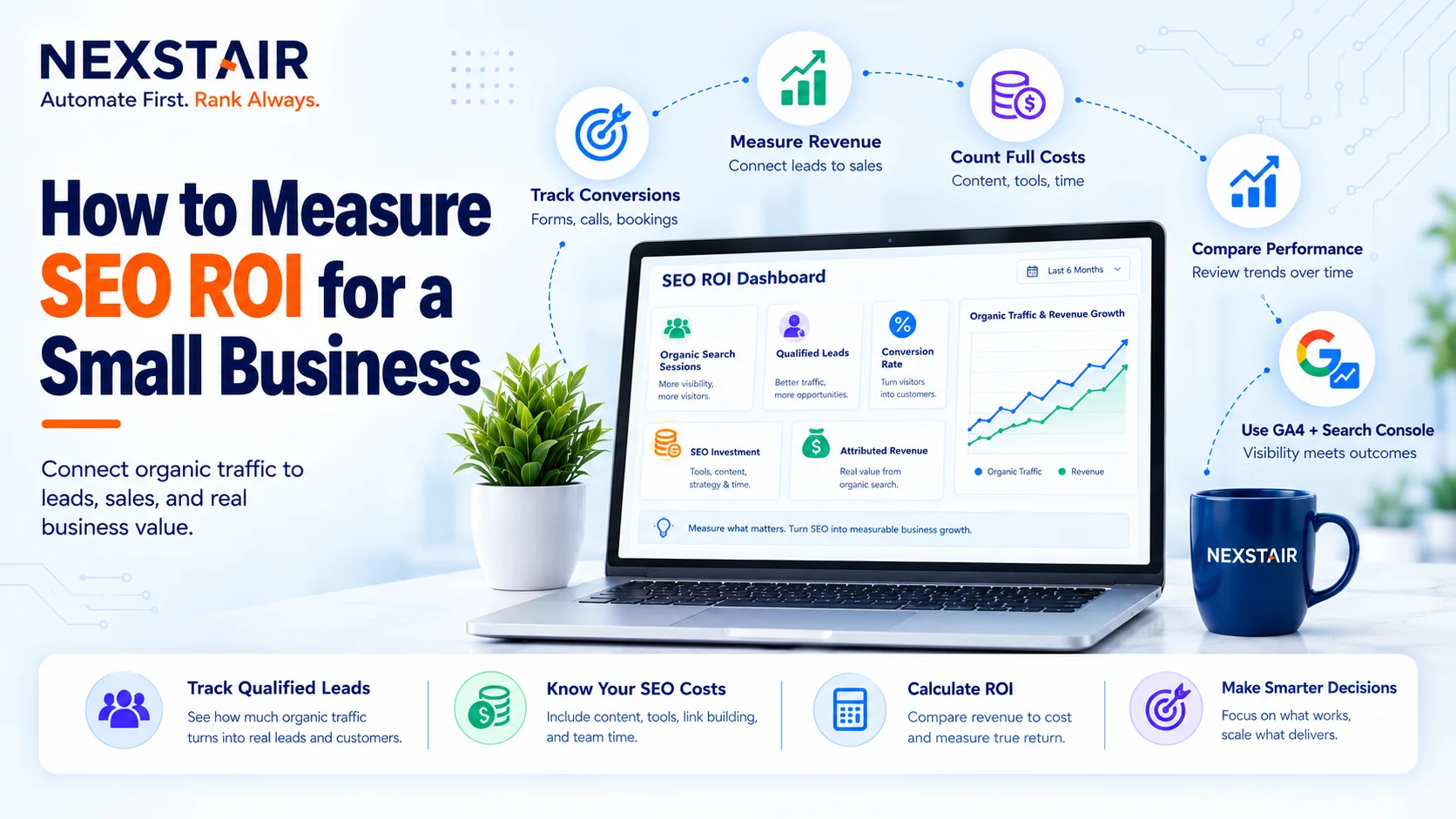
How to Measure SEO ROI for a Small Business
SEO ROI (search engine optimization return on investment) is the profit your organic search work returns, expressed as a percentage...

How Much Does a WordPress Website Cost in 2027?
If you search for the WordPress Website Cost, you will see answers ranging from $50 to $50,000. Nobody is lying...

Scale Your PPC Campaign Without Losing Budget
Scale your PPC campaign presents one of the most persistent dilemmas in digital marketing. When budgets increase, ad spend can...

Social Media Strategy for Small Business in 2026: Platforms, Budgets and AI Search Visibility
A social media strategy is a written plan that ties one business goal to a defined audience, two or three...
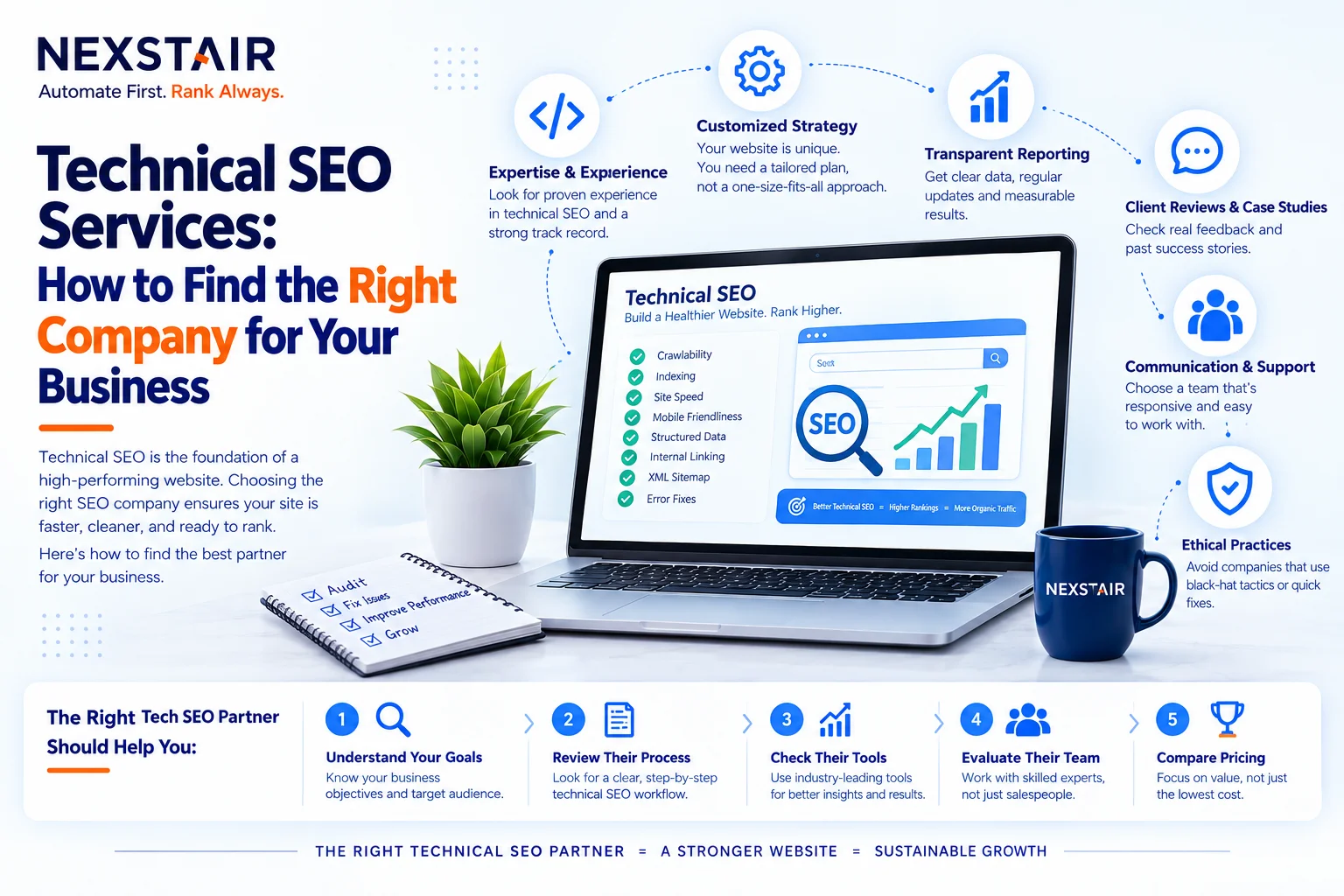
Technical SEO Services: How to Find the Right Company for Your Business
Technical SEO services (also called technical search engine optimization) are the fixes and checks that let search engines crawl, render,...